
County of Fortune System Requirements: Can Your PC Run It?
Quick answer
You can run County of Fortune on very modest hardware: the official minimum is a 64-bit PC with an Intel Core i3 or equivalent CPU, 3 GB of memory, a GeForce 770 or Radeon R9 290 graphics card and 2 GB of free disk space. For smoother play late in a big county, the recommended tier on the same official Steam listing asks for an Intel Core i5 or equivalent, 4 GB of memory and a GeForce 970 or Radeon R9 390. These County of Fortune system requirements come from the official Steam store page, checked on 2026-11-02.
County of Fortune system requirements for PC: minimum and recommended specs from Steam, plus what they mean, Linux support and how to test the game free.
Table of Contents
You can run County of Fortune on very modest hardware: the official minimum is a 64-bit PC with an Intel Core i3 or equivalent CPU, 3 GB of memory, a GeForce 770 or Radeon R9 290 graphics card and 2 GB of free disk space. For smoother play late in a big county, the recommended tier on the same official Steam listing asks for an Intel Core i5 or equivalent, 4 GB of memory and a GeForce 970 or Radeon R9 390. These County of Fortune system requirements come from the official Steam store page, checked on 2026-11-02.
The quickest hardware test is the free demo on Steam, and demo saves carry over into Early Access.
Minimum and recommended specs
Npos Games and publisher Aquila Interactive list these figures on the Steam store page:
| Component to check | Minimum tier | Recommended tier |
|---|---|---|
| Processor (64-bit required) | Intel Core i3 or equivalent | Intel Core i5 or equivalent |
| System memory | 3 GB | 4 GB |
| Video card | NVIDIA GeForce 770 or AMD R9 290 | NVIDIA GeForce 970 or AMD R9 390 |
| Free storage space | 2 GB | 2 GB |
| Operating system | Windows 7 or newer, 64-bit | Windows 7 or newer, 64-bit |
Both tiers need a 64-bit processor and operating system. The Linux/SteamOS tab on the same listing repeats the CPU, memory, GPU and storage figures, with no separate OS entry.
How to check your own PC
Compare your hardware with the table
Check your CPU, memory, video card and free drive space against the table above. Meeting every minimum line means the game is expected to launch; the recommended column is the target for large late-game counties.Play the free demo
The demo went free on the game's Steam page on October 15, 2026. It holds one map and caps settlements at level 2 — enough to see how the game behaves on your machine.Judge it with the simulation running
countyoffortune.wiki cautions against rating a builder on a paused map: let the county run a few in-game minutes at regular speed before you decide it feels smooth.Carry your progress into Early Access
If the demo runs well and you buy the game at Early Access launch on November 5, 2026, your demo progress transfers, so testing first costs you nothing.
One caveat from the demo period: a player on the game's Steam forums reports the UI is far too small to play comfortably on a 4K monitor and asks for much stronger scaling options. The complaint is about text size rather than frame rate, but it matters if you build on a high-resolution screen.
What the numbers mean for older PCs
Per countyoffortune.wiki's hardware notes, the minimum parts are about a decade old — a GeForce 770 sat in mid-range rigs around 2013–2014 — so most desktops from the last ten years clear the bar.
The same write-up argues the real strain is simulation rather than graphics: a county keeps track of many settlements, production sites, vendors and noble-house politics at the same time, so a CPU near the minimum can slow its ticks and menus late in a large county even while the frame rate holds steady.
Platforms: Windows, Linux and Mac
As of 2026-11-02, the official Steam page lists County of Fortune for Windows and Linux/SteamOS only; no macOS version appears there. Early Access unlocks on November 5, 2026 as a PC release.
The SteamOS entry makes a Deck port look plausible, but countyoffortune.wiki reports that Valve had issued no official Steam Deck compatibility rating as of 2026-11-02. The same page cautions that the dense tooltips and mouse-first building were designed around a desktop monitor, so expect heavy trackpad use and perhaps your own control mapping; how a fully built county fares on Deck is unverified.
If your PC is close to the minimum
These are player-collected tips from countyoffortune.wiki, not developer documentation — worth trying, and worth verifying on your own county:
- Run as few regions as you can. Every additional region multiplies the simulation and political workload, so settle what you have before founding another.
- Trim background programs before long sessions. When total memory sits at 3–4 GB, a browser crowded with tabs can cost more headroom than the graphics card does.
- Install on an SSD where you have one; loading and saving of big counties gets clearly quicker, and the game itself takes only 2 GB.
- Update the graphics driver before playing; even plainly drawn builders can depend on a recent driver for stability.
- Keep a rolling set of saves. Early Access patches can set performance backward, and an older save gives you somewhere to retreat.
- Where settings exist, trim shadows and crowd density — the drawn detail rises with every building visible on screen.
Next steps
- Test before you buy: the free demo on the game's Steam page is the most direct hardware check, and its saves carry into Early Access on November 5, 2026.
- Report your own results: the developers ask players to leave feedback and bug reports on the Steam discussion boards; first-hand hardware reports are the best early evidence on large-county performance.
FAQ
What are the County of Fortune system requirements?
Per the official Steam listing, checked 2026-11-02: minimum — 64-bit processor and OS, Windows 7 or newer, Intel Core i3 or equivalent, 3 GB of memory, NVIDIA GeForce 770 or AMD R9 290, 2 GB free. Recommended — Intel Core i5 or equivalent, 4 GB of memory, GeForce 970 or R9 390, 2 GB free.
Does County of Fortune support Mac?
No. As of 2026-11-02, the official Steam page lists Windows and Linux/SteamOS only; no macOS build appears on it.
Does County of Fortune run on Steam Deck?
A Linux/SteamOS version exists on Steam, yet per countyoffortune.wiki, Valve had no official Deck compatibility rating as of 2026-11-02. Expect friction from the dense, mouse-first UI even if the game launches.
Why is the storage requirement just 2 GB?
That is the install size on the present Steam build. Per countyoffortune.wiki, expect the footprint to grow as Early Access layers in more buildings, products and maps, so leave room for saves and patches.
Checked on 2026-11-02 against the official Steam store page and the game's Steam community hub. The spec table, platform list and demo details come from the store page; the 4K note is a single player post. The hardware interpretation, Windows 7 caveat, Deck status and performance tips follow countyoffortune.wiki's system requirements page; large-county performance on Deck remains unconfirmed.
Related guides for this game
County of Fortune Guides
County of Fortune why can’t I move stone by road — fix guide
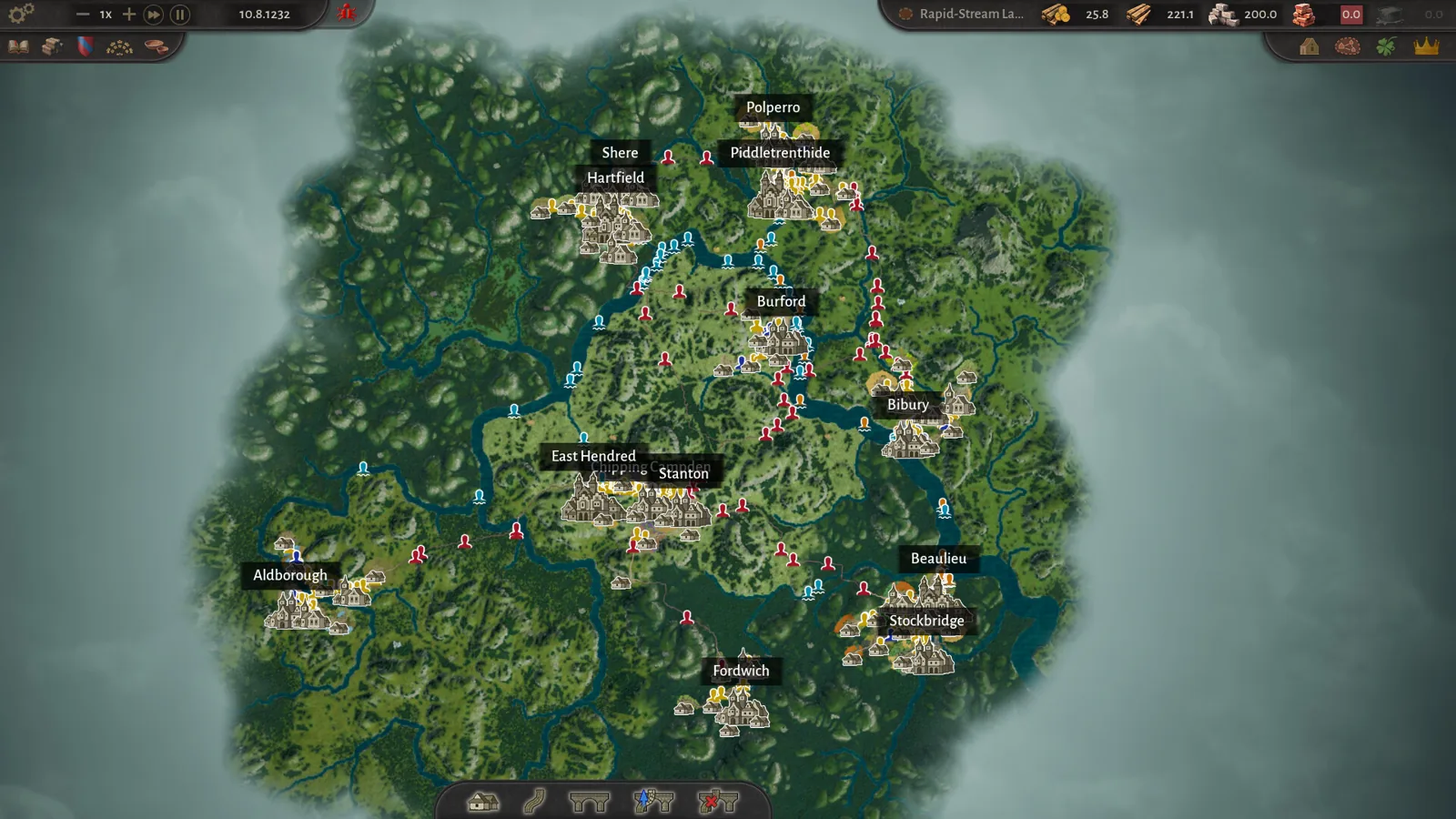
County of Fortune why can't I move stone by road: stone is a heavy good that can only travel between regions by river via raft ports, downstream only.
County of Fortune Alburn Food Needs: Beans, Buckwheat, Oats
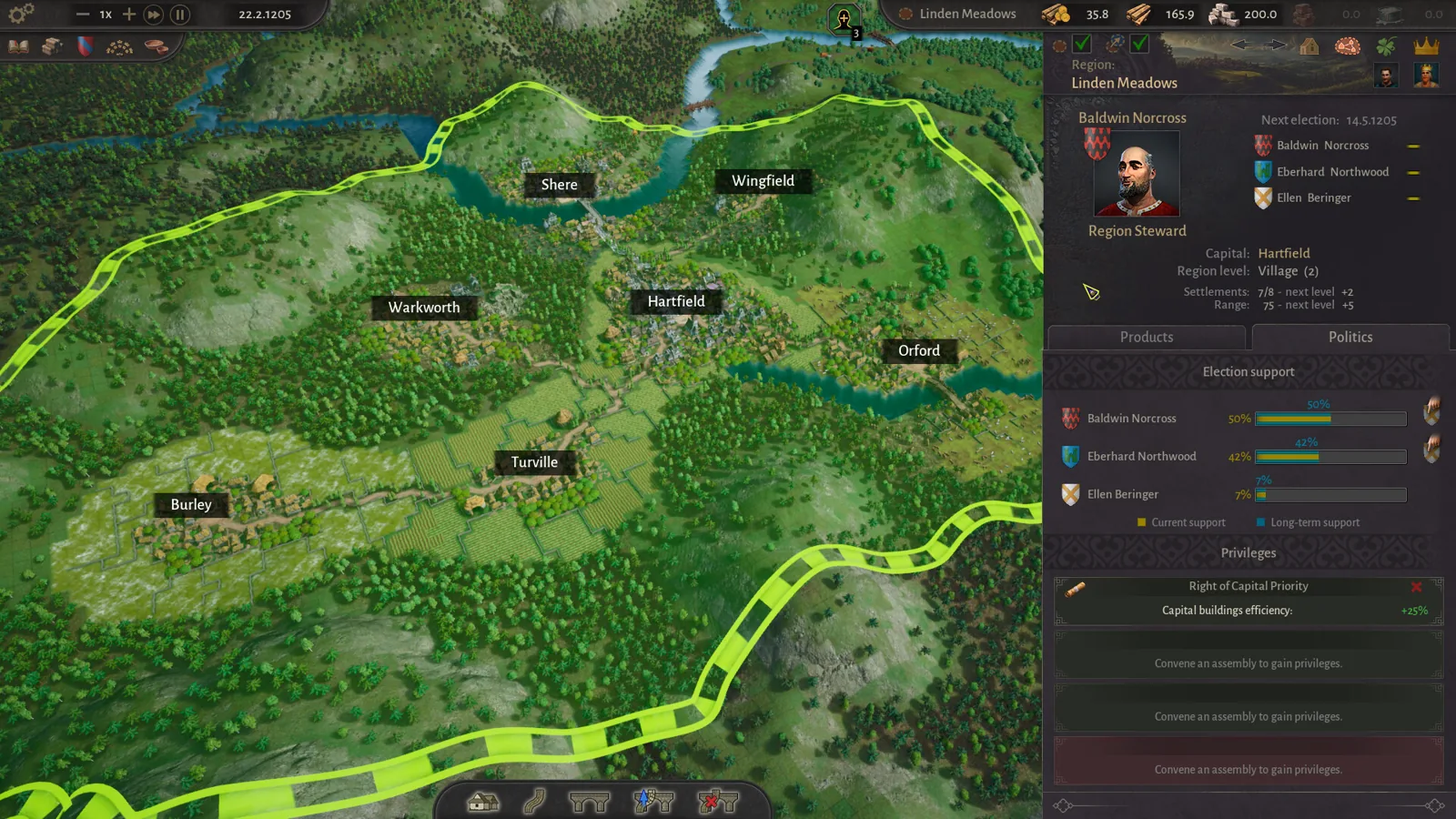
County of Fortune Alburn food needs are beans, buckwheat and oats in the early-access playthrough; check the Needs tab to confirm the exact goods to ship.
County of Fortune Alburn iron mine and Foundry Guide
Build a County of Fortune Alburn iron mine, link roads, appoint a mayor, and ship ore into a level 2 foundry to smelt metal bars for downstream workshops.
County of Fortune Assembly Votes and Privileges Guide
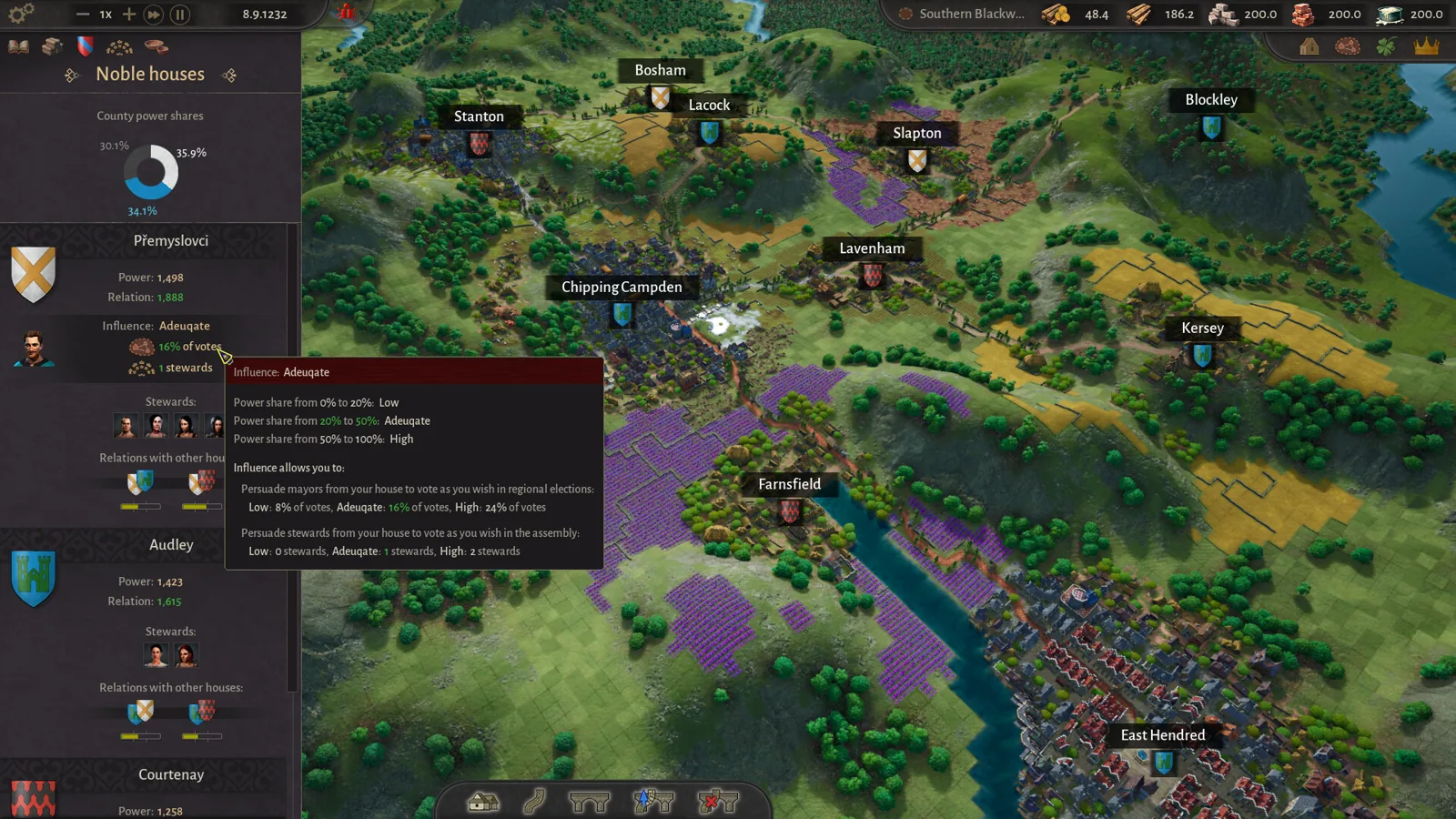
Learn how the County of Fortune assembly works, from house proposals and steward votes to regional privilege effects, corruption risks and eligibility.
County of Fortune Build the Chandlery: Mason’s Guild Guide
County of Fortune build the chandlery explained: raise a mason's guild for masonry points, supply an apiary, and fix the 0% production worker shortage.
County of Fortune chestnut oil mayor and chain guide
County of Fortune chestnut oil mayor picks and the chain: grow chestnuts, press oil in a level 3 town, then serve beef on chestnut oil to your Artisans.