
County of Fortune why can’t I move stone by road — fix guide
Quick answer
Stone cannot travel by road between regions — in County of Fortune, heavy goods (stone, logs, clay and sand) can only move between regions by river, and in the demo only downstream via raft ports. The official Demo FAQs on Steam state this directly: heavier goods like stone can't be traded between regions via road, so you need to move them using rivers with raft ports. If your stone refuses to load onto a road route, nothing is broken — you need a river route instead.
| Heavy goods by road | Stone, logs, clay and sand cannot be traded between regions via road; they must move by riverCounty of Fortune DEMO FAQs (Steam) |
|---|---|
| Demo river limit | Raft ports only move heavy goods downstream in the demoCounty of Fortune DEMO FAQs (Steam) |
| Early Access change | Ports and sailboats unlock in Early Access (Nov 5, 2026) and can carry products both up and downstreamCounty of Fortune on Steam |
County of Fortune why can't I move stone by road: stone is a heavy good that can only travel between regions by river via raft ports, downstream only.
Table of Contents
Stone cannot travel by road between regions — in County of Fortune, heavy goods (stone, logs, clay and sand) can only move between regions by river, and in the demo only downstream via raft ports. The official Demo FAQs on Steam state this directly: heavier goods like stone can't be traded between regions via road, so you need to move them using rivers with raft ports. If your stone refuses to load onto a road route, nothing is broken — you need a river route instead.
Moving stone by river
The prerequisite is that the producing settlement sits on a navigable river upstream of where you want the stone to go. Rafts in the demo drift downstream only. Check the flow direction before committing: open the settlement placement view (the 'Build New Settlement' button or shortcut 'C') and zoom in on the river, as the official FAQs suggest.
Build a raft port upstream
Level the stone-producing settlement up to level two, then add a raft port through the Buildings tab under the Commoners icon. Community guides recommend picking a clear stretch of the main channel rather than a river fork.Build a receiving port downstream
Place a raft port at a level-two settlement on the same river, downstream of the origin. If the destination has no raft port, you can instead receive stone over land only if... it can't — stone must arrive by water, so a second port is required.Create the route
Open the trade screen with 'T', select stone, add a trade route and pick the two regions. Auto-trade is the default and adjusts volumes to demand automatically.Confirm surplus
The route only moves goods the origin actually has spare. Check the quarry region shows a stone surplus; a settlement consuming all its own output exports nothing.
A raft port can also receive lighter goods over land if the sending region has a small market — but stone itself always needs the water route in the demo.
FAQ
County of Fortune why can't I move stone by road — is it a bug?
No. The official Demo FAQs confirm heavy goods such as stone, logs, clay and sand are excluded from road trade between regions by design. Use a river route with raft ports instead.
How do I check which way the river flows?
Click 'Build a settlement' (or press 'C') and zoom in on the river, per the official FAQs. Plan your regions around the current before founding settlements.
Will stone ever move by road or upstream?
From the official Steam page's Early Access notes: the November 5, 2026 release unlocks ports and sailboats that transport products both up and downstream. Until then, rafts are downstream-only.
Checked against the official County of Fortune Steam page and the official Demo FAQs on Steam on 2026-11-02. The river-fork placement advice is a community report from player guides, not developer-confirmed.
Related guides for this game
County of Fortune Guides
County of Fortune Why Are My Goods Not Moving – Fix Guide
Why are my goods not moving in County of Fortune? Diagnose stalled trade routes step by step and get wagons and rafts carrying goods between settlements again.
County of Fortune Alburn iron mine and Foundry Guide
Build a County of Fortune Alburn iron mine, link roads, appoint a mayor, and ship ore into a level 2 foundry to smelt metal bars for downstream workshops.
County of Fortune Assembly Votes and Privileges Guide
Learn how the County of Fortune assembly works, from house proposals and steward votes to regional privilege effects, corruption risks and eligibility.
County of Fortune Build the Chandlery: Mason’s Guild Guide
County of Fortune build the chandlery explained: raise a mason's guild for masonry points, supply an apiary, and fix the 0% production worker shortage.
County of Fortune PC Specifications
County of Fortune System Requirements: Can Your PC Run It?
County of Fortune system requirements for PC: minimum and recommended specs from Steam, plus what they mean, Linux support and how to test the game free.
County of Fortune Gameplay & Media
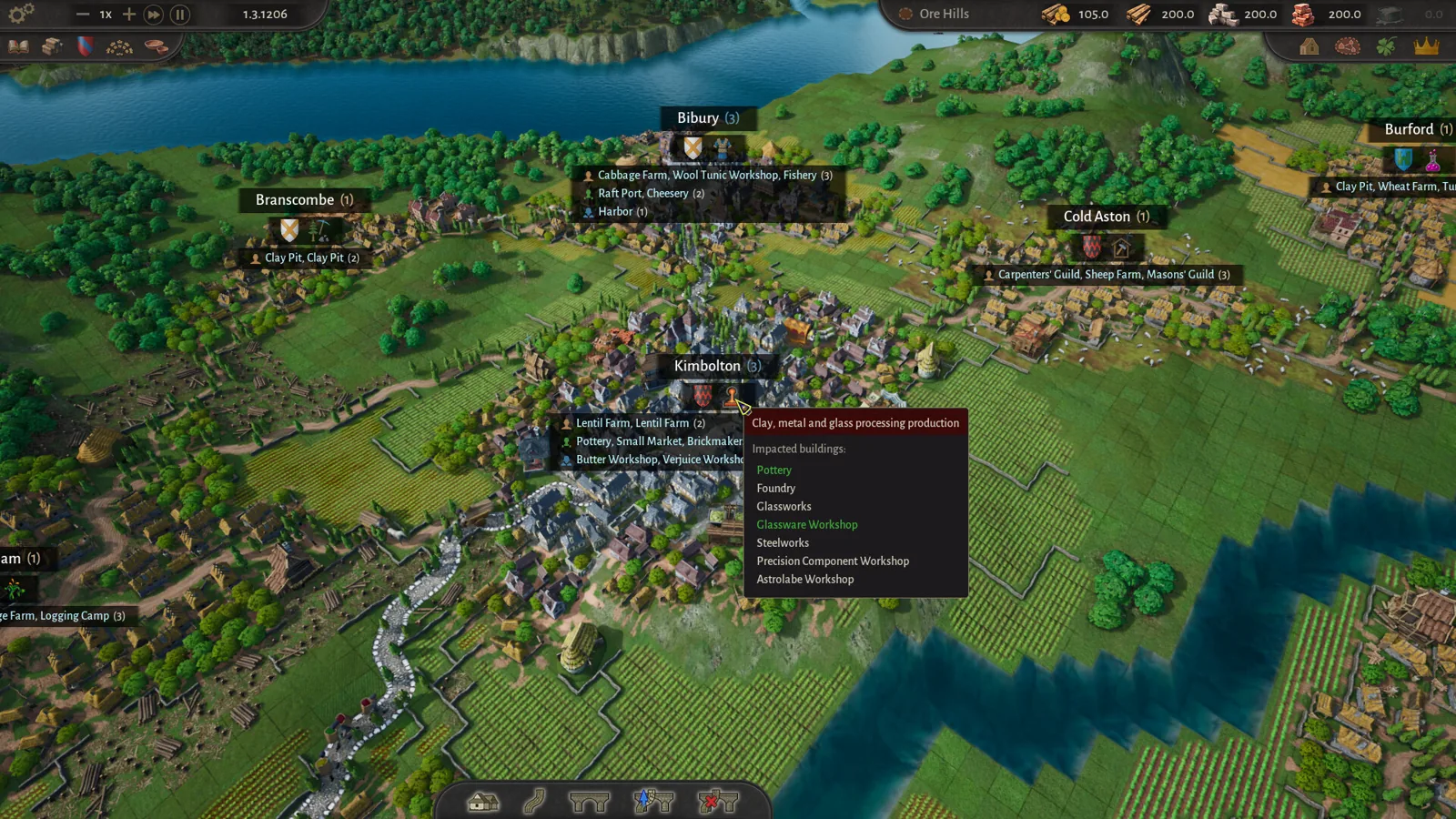
County of Fortune gameplay: County Building Loop Guide
See how County of Fortune gameplay works: found settlements on resources, assign mayors, connect by road, set recipes, level up, and unlock new regions.