
County of Fortune Moving Settlements: How It Works
Quick answer
Yes — you can move an entire settlement after founding it, at no cost or penalty. Nepos Games confirmed this in Dev Diary #3 on the official Steam announcements, calling it one of the most requested features from the Steam Next Fest demo. The settlement must stay within a reasonable distance of its original location, so you cannot teleport it to the other side of the map or into a different region.
| Can settlements be moved? | Yes, an entire settlement can be moved after founding, at no cost or penaltyDev Diary #3 on the County of Fortune Steam page |
|---|---|
| Distance limit | The settlement must stay within a reasonable distance of its original spot; no cross-region movesDev Diary #3 on the County of Fortune Steam page |
| When added | October 2026 demo update, after it was the most requested Next Fest feature |
County of Fortune moving settlements explained: yes, you can relocate a founded settlement for free — here's the distance limit and where the feature exists.
Table of Contents
Yes — you can move an entire settlement after founding it, at no cost or penalty. Nepos Games confirmed this in Dev Diary #3 on the official Steam announcements, calling it one of the most requested features from the Steam Next Fest demo. The settlement must stay within a reasonable distance of its original location, so you cannot teleport it to the other side of the map or into a different region.
What the relocation does
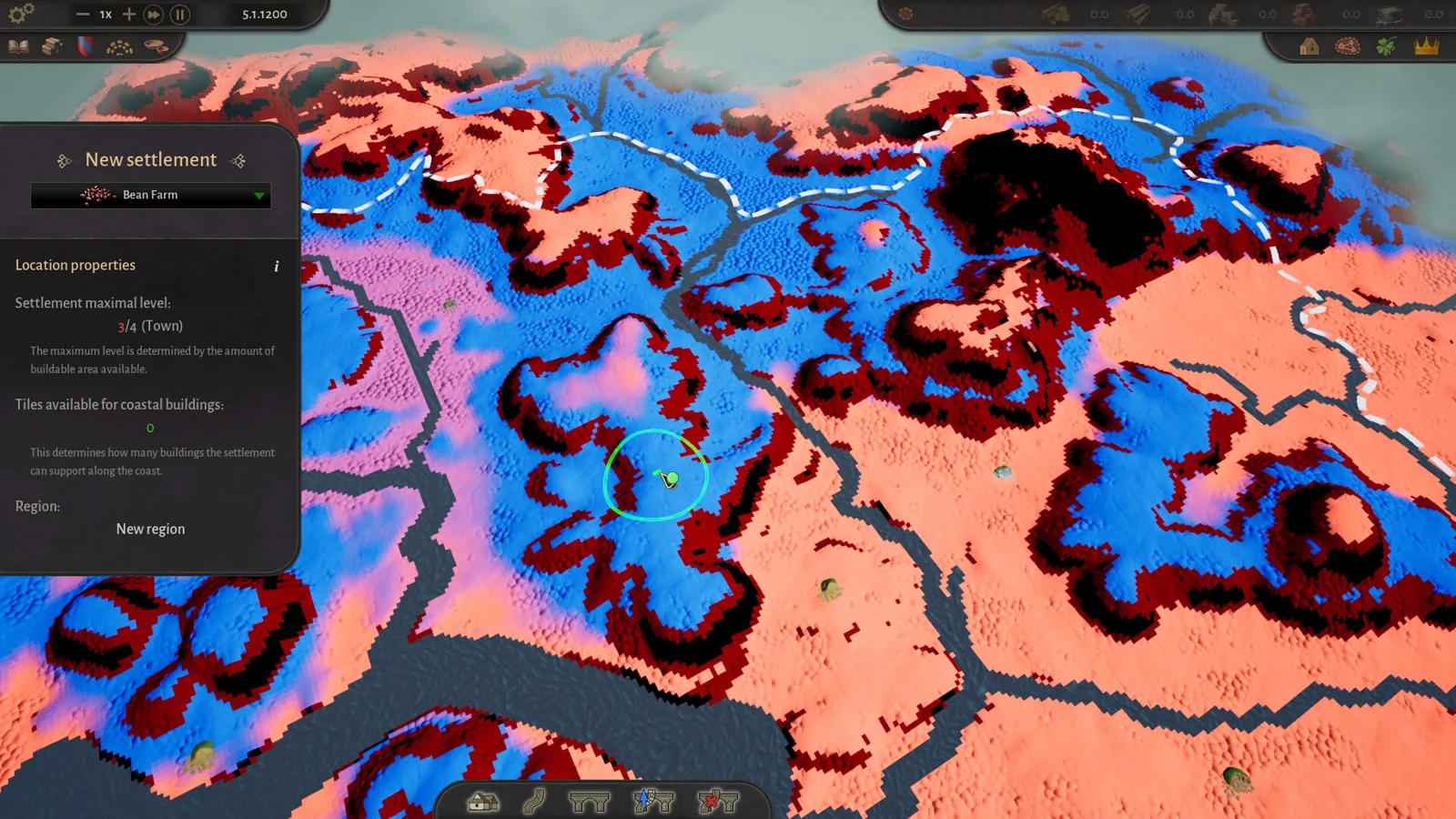
The move exists to fix bad initial placements, not to redesign your county. The developers' stated use cases are shifting a settlement closer to a specific resource deposit it should have been near, or nudging it toward the shore when you realize the water access matters. Because nothing is charged and no penalty applies, there is no reason to hesitate: if a site looks wrong after you see how the surrounding terrain plays out, move it.
Where the feature is available
Community roadmap reports agree with the developer diary on timing: the June Next Fest demo did not allow moving or deleting settlements, and the updated demo released 15 October 2026 added moveable settlements alongside reworked mayors, cultures and construction points. The feature then carries into Early Access, which launched 5 November 2026. If you are still playing the older June build, update the demo before trying to relocate anything.
Why the change matters for placement
In the June build, an early mistake near a resource or a river fork was effectively permanent, and players reported reloading earlier saves to undo bad placement. With relocation free and penalty-free, the practical strategy changes: claim a reasonable site first, watch which deposits and shorelines your region actually needs, and correct placement once the region's role becomes clear. It pairs well with the fact that a settlement's maximum level depends on the buildable area around it — a cramped site you later want as a city can simply be shifted to better ground within the region.
FAQ
Can I move a settlement to another region?
No. The move must stay within a reasonable distance of the original location, which rules out cross-region relocation.
Does moving a settlement cost anything?
No. The developers state there is no cost and no penalty attached to relocating.
Was this in the game at launch of the demo?
The June Next Fest demo did not allow it; it was added in the October 2026 demo update after being the most requested feature, per community roadmap summaries.
Can settlements be deleted instead of moved?
The material only confirms moving. No official statement on deletion was found, so treat deletion as unconfirmed.
Check note: the move mechanic, its no-cost rule and the distance limit come from Dev Diary #3 on the official Steam announcements and the Steam store page. Timing of the October demo update is a community roadmap report and stays unconfirmed by the developer directly.
Related guides for this game
County of Fortune Guides
County of Fortune how to level up region settlements
County of Fortune how to level up region: grow settlements, meet food and equipment needs, press Level Up next to the mayor portrait; demo caps region level.
County of Fortune Second Glass Works – How to Build One
How to build a County of Fortune second glass works: unlock an extra building slot, place the glass works, and supply sand and potash to raise glass output.
County of Fortune Corruption Proposal: How to Counter It
County of Fortune corruption proposal: how it passes automatically in the Assembly, what counters exist, and how to offset a penalty if it already passed.
County of Fortune How Do Mayors Work: Bonuses & Swaps
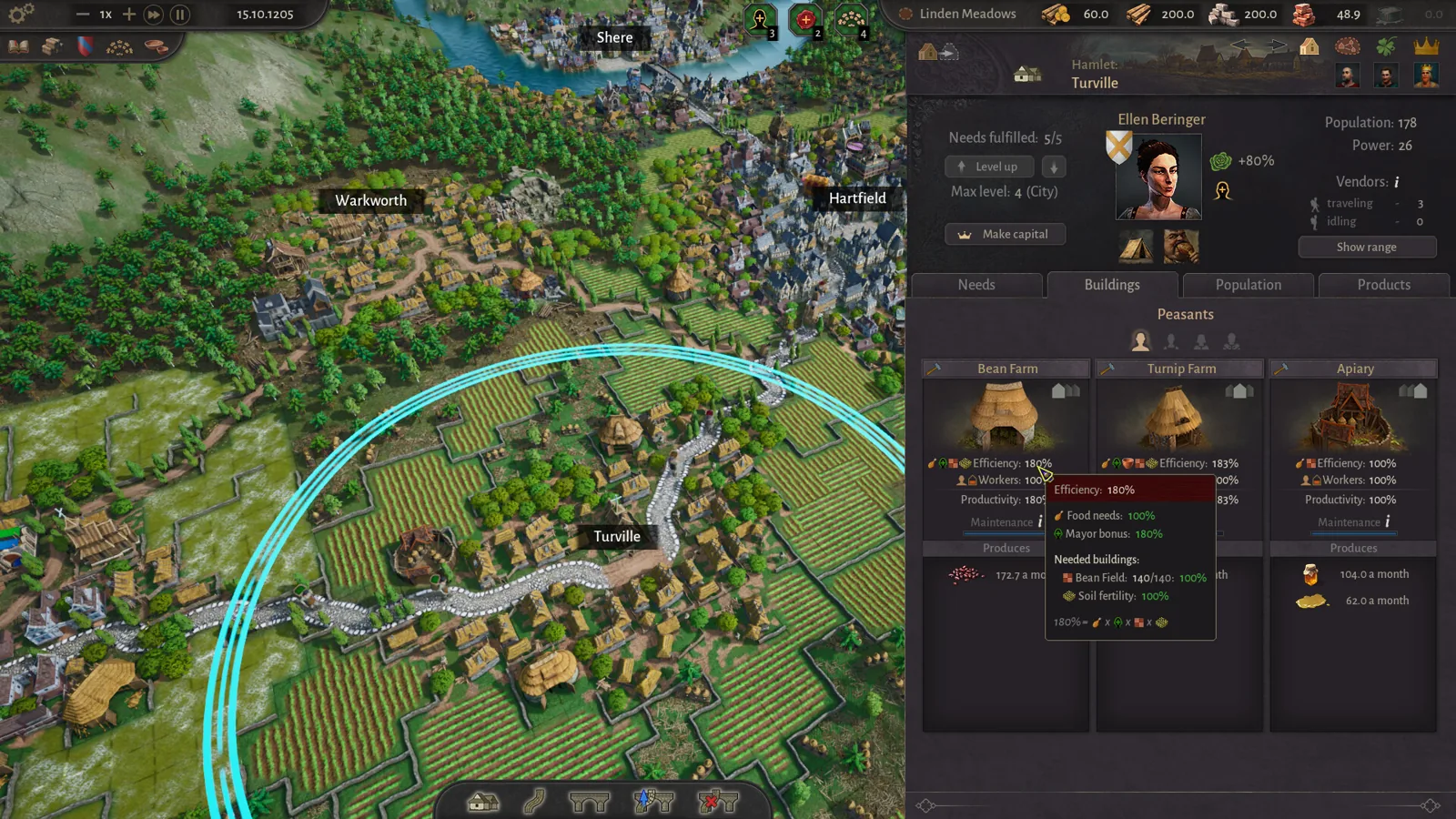
County of Fortune how do mayors work: learn mayor production bonuses, traits, house politics, and how to hire, swap or educate mayors without penalty.
County of Fortune Mechanics
County of Fortune Multiplayer: Is Co-op Available?
County of Fortune multiplayer status confirmed: the Steam page lists only single-player, so here is exactly what that means for co-op and shared counties.
County of Fortune Platforms
County of Fortune mac support: Steam platforms listed
County of Fortune mac support is not listed on Steam as of 2026-11-02: the page shows Windows and SteamOS + Linux only, with no macOS install announced.