
County of Fortune Map: Geography, Settlements and Trade
Quick answer
Read the river's direction and the blue resource zones before you found anything — on the County of Fortune map, terrain decides what each settlement can produce and how goods can actually travel. The developer's own materials put it plainly: resource deposits, biomes and terrain profiles decide what each plot is good for, and climate, soil and elevation shape which crops, industries and products thrive. A salt-works next to a mountain pass generates wealth; a city placed far from water drags the whole county down.
| Reading river direction | Click 'Build a settlement' and zoom in on the river to see which way it flowsCounty of Fortune Demo FAQs (Steam Community) |
|---|---|
| Heavy goods travel | Stone, logs, clay and sand can only be traded between regions via river, downstream only in the demoCounty of Fortune Demo FAQs (Steam Community) |
| Settlement placement | Place your starting building in the blue area where that resource is found; tutorial first settlements go in white circlesCounty of Fortune Demo FAQs (Steam Community) |
| Release status | Early Access from November 5, 2026, per the official Steam pageCounty of Fortune on Steam |
The County of Fortune map shows how terrain, rivers and resources decide where settlements thrive and how trade routes run, so read it before you build.
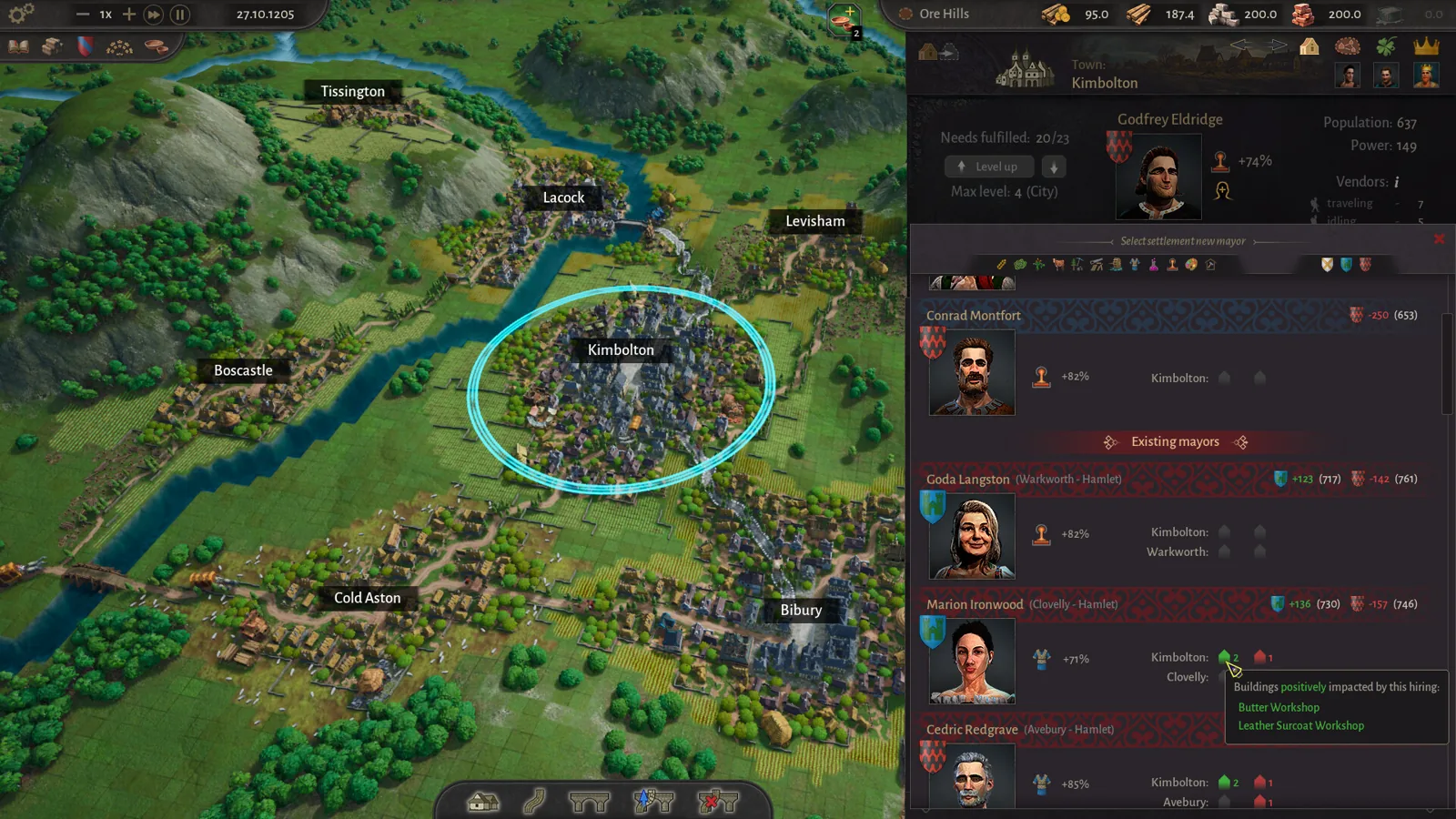
Table of Contents
Read the river's direction and the blue resource zones before you found anything — on the County of Fortune map, terrain decides what each settlement can produce and how goods can actually travel. The developer's own materials put it plainly: resource deposits, biomes and terrain profiles decide what each plot is good for, and climate, soil and elevation shape which crops, industries and products thrive. A salt-works next to a mountain pass generates wealth; a city placed far from water drags the whole county down.
How the map shapes your county
The core loop of the game is placing whole settlements across a wide, varied landscape rather than building a single city. As the developer describes on the official Steam page, no two counties are alike, and each region lives or dies by its geography. Four map elements drive your decisions:
- Resource deposits determine what a settlement's starter building and later industries can be. Fertile land is marked with blue areas where specific resources — food, forest, stone and others — are found.
- Navigable rivers turn geography into logistics. Place wisely along a river and trade flows; rafts are the only way to move heavy goods between regions.
- Climate, soil and elevation decide which crops and products a plot supports, so settlements naturally specialize based on what the surrounding land offers.
- Passes and terrain profiles shape roads: trade routes between settlements follow real terrain — rivers, passes and roads — never straight lines.
This means you should scout a region's full resource spread before committing. The developer's own quick tip from the demo FAQs: it's worth taking a moment to see what resources are available and which direction the river's flowing before building your first settlement.
Finding a settlement site
Founding works the same whether you're in the tutorial or expanding:
Open the build tool
Select 'Build New Settlement' on the bottom bar, or press 'C' on keyboard. In the tutorial, your first settlement must go in one of the white circles.
Pick a starter building
Select your starting building and place the settlement in the blue area, which marks where that particular resource — food, forest, stone or something else — is found.
Check spacing and the centre square
A new settlement's circle cannot overlap an existing settlement's circle, and the centre square turns red when a spot is invalid. If the centre stays red even in a valid-looking spot, the site simply won't take a settlement there — try a slightly different position. (Players discussing placement on the Steam community hub report this exact behaviour.)
Check the river direction first
Before confirming, click 'Build a settlement' and zoom in on the river to see which way it flows. Downstream matters: in the demo, heavier goods can only move by river and only downstream.
If you get a placement wrong, it's recoverable in a small way: you can move an entire settlement after founding it at no cost or penalty, but only within a reasonable distance of its original location and within the same region. You cannot relocate across the map into a different region, so major geographic mistakes are effectively permanent.
Building routes that respect the terrain
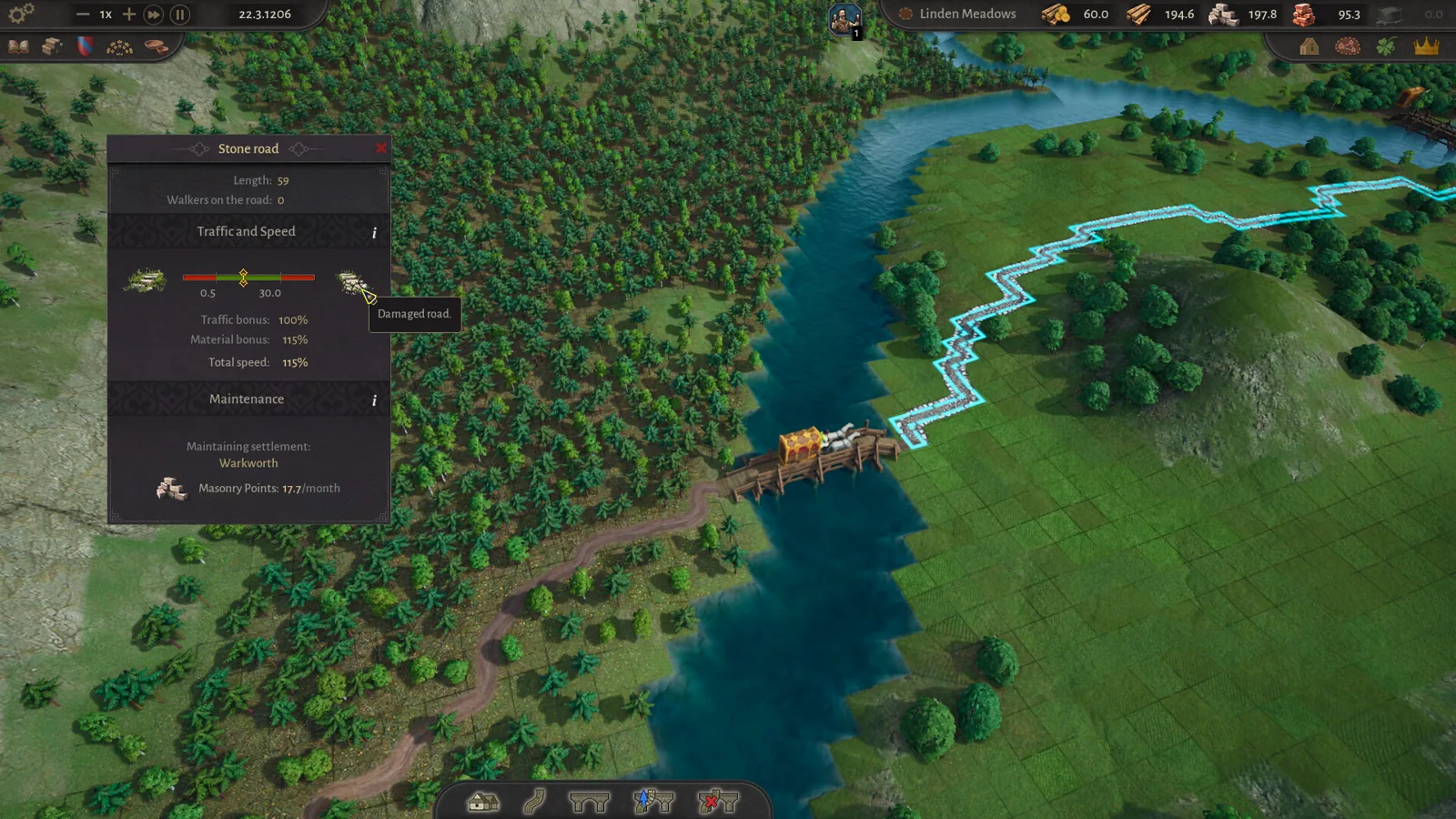
Roads are how your region knits together. Select 'Build a road' on the bottom tab or press 'V', then connect the middle market squares (they highlight yellow when you hover over them with the road tool) of each settlement. Red road sections can't be built; over water you must build a bridge first — and demo update 0.1.10 increased the maximum bridge length. Hold 'Shift' to build diagonally.
Roads degrade in usefulness as traffic grows. Dirt roads carry limited vendor traffic at limited speed; to upgrade, you need stone from a stone quarry plus a mason's guild to process it. Use the 'Upgrade road or bridge' icon, click the start point, then confirm the end point, and you'll have a stone road that handles more traffic faster. The game notifies you when a road's capacity is no longer sufficient.
Rivers are the heavy-freight network. Stone, logs, clay and sand can only be traded between regions via river, and in the demo rafts only travel downstream. Once a settlement reaches level 2, you can build a market or a raft port and press 'T' to open trade, select goods and add a trade route. Land trade needs a market in each region connected by road; a raft port can also receive lighter goods over land, so long as the sending region has a small market. Heavy goods are river-only, which is why river direction should shape where you expand.
What geography means in practice
Putting it together, the practical pattern is: specialize each settlement in what its plot offers, connect everything by roads between market squares, route heavy goods along the river in the direction it flows, and upgrade roads to stone when traffic demands it. The Early Access version adds ports with sailboats that can transport products both up and downstream, which loosens the downstream-only constraint — that arrives with the full Early Access launch on November 5, 2026, per the official Steam page.
Next steps
- County of Fortune how to trade — once your map reading is solid, set up the actual trade routes between regions.
- County of Fortune how to level up region — level 2 unlocks markets and raft ports, the geographic trade tools above.
- County of Fortune how to delete a settlement — what to do when a placement mistake goes beyond the move-settlement distance limit.
FAQ
How do I check which way the river flows on the County of Fortune map?
Click 'Build a settlement' and zoom in on the river. The developer recommends checking river direction before building settlements or planning a new region, since heavy goods only move downstream in the demo.
Where should I place my first settlement?
In the tutorial, place it in one of the white circles, with the starter building in the blue area where its resource is found. Otherwise, scan the resources available and the river's flow, then place on a valid non-red centre square that doesn't overlap another settlement's circle.
Can I fix a badly placed settlement?
Yes — you can move a whole settlement after founding with no cost or penalty, but only within a reasonable distance of its original location and in the same region. Anything further needs deletion and a new foundation.
Why won't my heavy goods reach the next region?
Stone, logs, clay and sand only travel between regions by river, and demo rafts only go downstream. Connect regions by road for lighter goods, and make sure roads are actually connected — a disconnected road is the first thing to check when products stop arriving.
Check note: settlement placement, river direction, road building and trade mechanics come from Nepos Games' official Demo FAQs and community hub posts on Steam and the official Steam store page. Details on invalid placement behaviour come from a player discussion on the Steam community hub and remain unconfirmed by the developer; exact distance limits for the move-settlement feature are not specified anywhere in the official material.
Related guides for this game
County of Fortune Guides
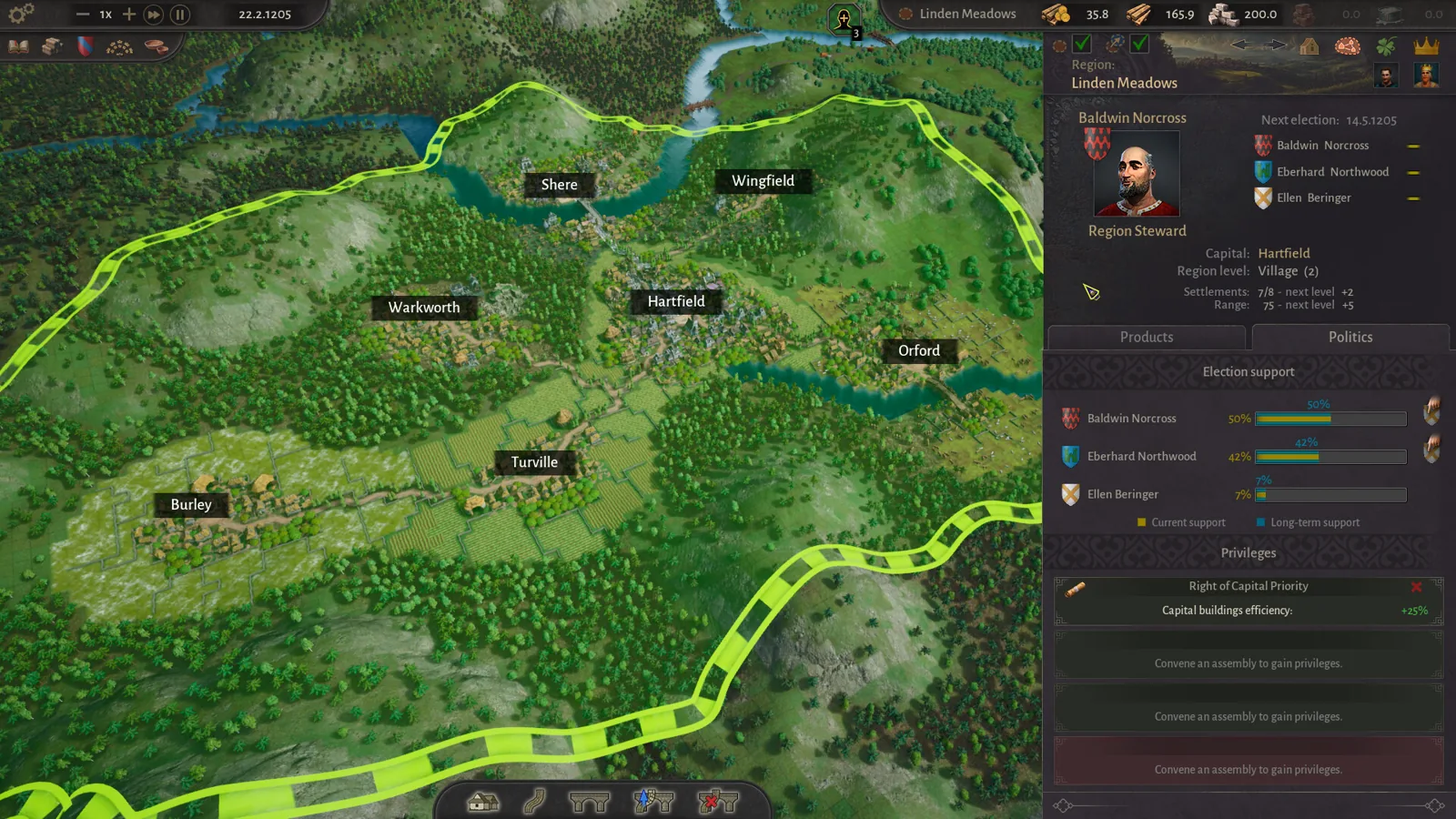
County of Fortune Trade Routes: Land and River Setup Guide
County of Fortune trade routes explained: level up settlements, build markets and raft ports, connect roads and rivers, and move goods between regions.
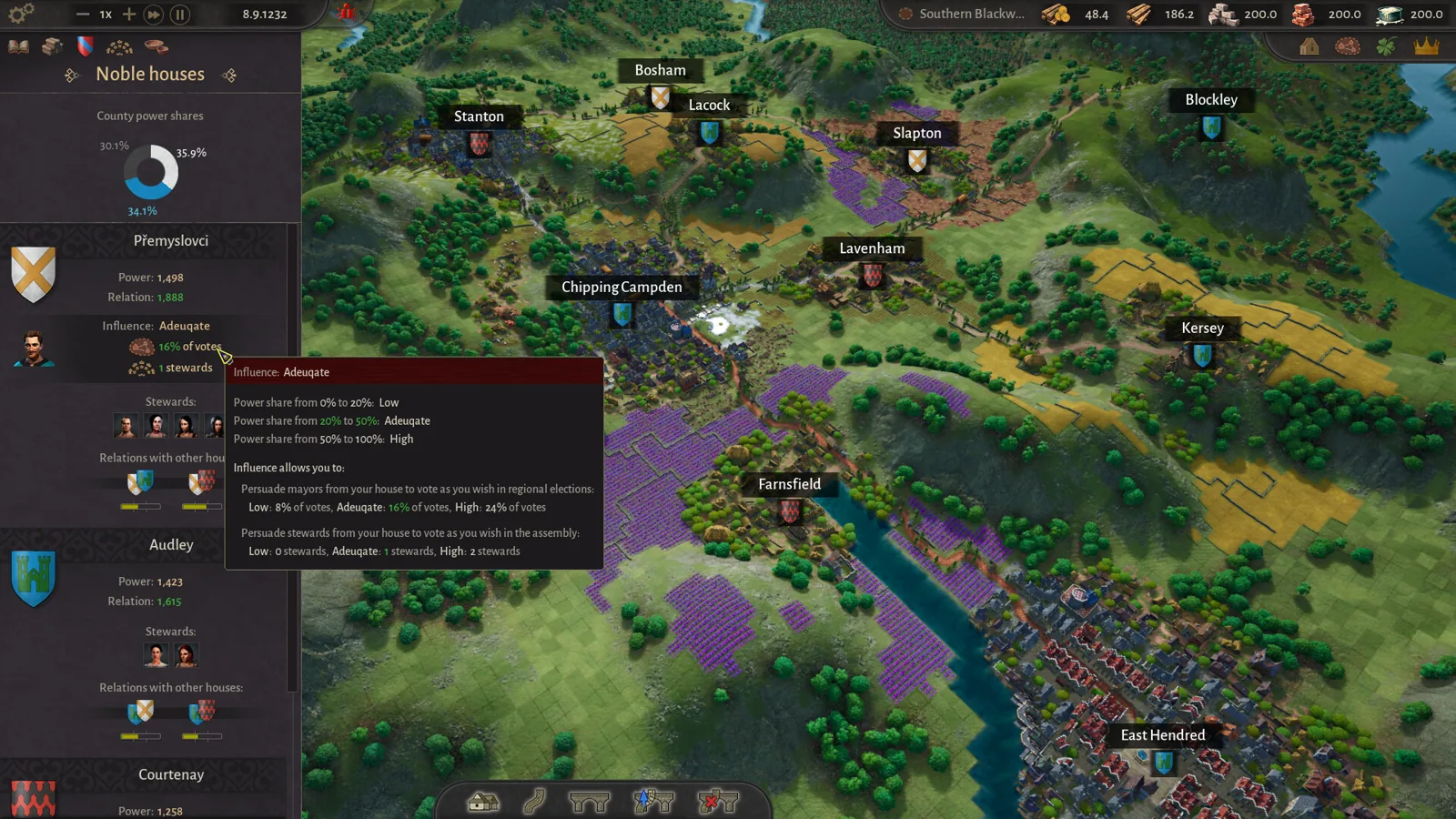
County of Fortune Alburn iron mine and Foundry Guide
Build a County of Fortune Alburn iron mine, link roads, appoint a mayor, and ship ore into a level 2 foundry to smelt metal bars for downstream workshops.
County of Fortune Assembly Votes and Privileges Guide
Learn how the County of Fortune assembly works, from house proposals and steward votes to regional privilege effects, corruption risks and eligibility.
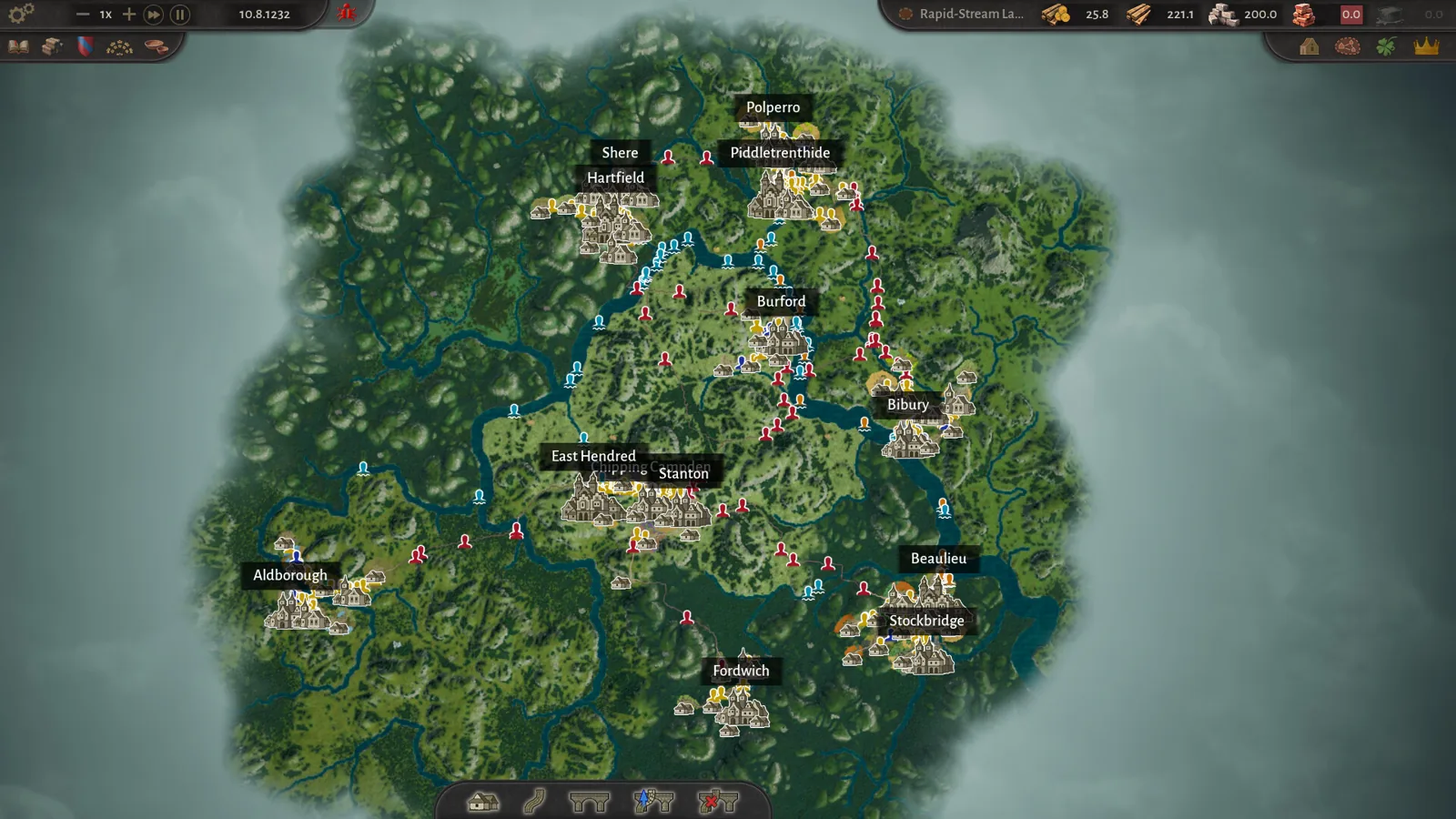
County of Fortune chestnut oil mayor and chain guide
County of Fortune chestnut oil mayor picks and the chain: grow chestnuts, press oil in a level 3 town, then serve beef on chestnut oil to your Artisans.
County of Fortune Release Details
County of Fortune roadmap: Early Access timing and price
County of Fortune roadmap answers when Early Access starts, how long it may run, when full release could land, and if the price may rise after 1.0 launch.
County of Fortune Mechanics
County of Fortune Multiplayer: Is Co-op Available?
County of Fortune multiplayer status confirmed: the Steam page lists only single-player, so here is exactly what that means for co-op and shared counties.