
County of Fortune How to Trade: Trade Routes Guide
Quick answer
To trade between regions in County of Fortune, get a settlement to level 2 in each region, place a small market or raft port, link them with a road, then press T and add a trade route. This page covers both land trade and river trade as they work in the current demo build.
| Trade unlock | Settlement level 2 plus a small market or raft portCounty of Fortune on Steam (official store page) |
|---|---|
| Trade screen shortcut | TCounty of Fortune on Steam (official store page) |
| Downstream-only rafts | Demo limit; Early Access ports and sailboats move goods both directionsCounty of Fortune DEMO FAQS on Steam (official) |
County of Fortune how to trade: learn how to trade between regions by getting level 2 settlements, placing a small market or raft port, and linking roads.
Table of Contents
To trade between regions in County of Fortune, get a settlement to level 2 in each region, place a small market or raft port, link them with a road, then press T and add a trade route. This page covers both land trade and river trade as they work in the current demo build.
The steps below draw on the official demo FAQ and first-hand player footage.
Prerequisites
Three things must exist before any route can be created:
- A level-2 settlement in each region. Level up by fulfilling all food and equipment needs, then clicking the Level Up button on the settlement screen. The demo caps settlements at level 2; the official Steam page notes Early Access raises the cap to level 4.
- A trade building. A small market is a Commoner-slot building for land trade. A raft port goes on a navigable river for heavy goods. Masonry points are needed for Commoner buildings, so keep a mason's guild and stone supply available.
- A connected road or river. Player guides note the road should terminate at each settlement's central yellow market square rather than stopping at its boundary.
The sending region always needs a small market for land trade. A raft port in the receiving region can take goods over land, as long as the sending region has a small market.
Setting up a trade route
Produce a surplus
A route can only carry goods that actually exist. Check that the origin settlement or region has a surplus of the product you want to send; a settlement consuming its entire output has nothing to export.Build the trade buildings
Place a small market in the sending region, and in the receiving region too if it has no raft port. Community guides suggest running the road between the two market squares.Open the trade screen
Click the trade button in the top-left corner or press T. A product list sits on the left, while the map shows every region together with what it currently exports and imports.Add the route
Pick the good you want to ship, mark one region as the source and the other as the target, then confirm the new route. Routes are set to auto-trade by default, which adjusts the shipped amount to the destination's demand; you can instead fix an annual volume.Watch the first caravan
Once the route exists and surplus flows, caravans appear on the road within a game month or so. The destination's balance for that good should tick positive.
A player run recorded on the Idle Nif channel shows the whole flow working: candles and toys were routed from one region to another, the destination balance jumped to plus 10, and the first caravan appeared once the month rolled over. Starting with one critical good and adding the next only after it moves makes problems far easier to trace.
River trade and heavy goods
Some goods are simply too heavy for roads. Logs, stone, clay and sand can only cross region borders by water in the demo, and rafts there travel downstream only — a limit the official demo FAQ confirms. Early Access adds ports with sailboats that move products in both directions.
- Check the river's flow direction by opening the Build New Settlement view (shortcut C) and zooming in on the water.
- A river-to-river route only works when each bank has its own raft port.
- According to player write-ups, ports work best on a clear stretch of the main channel, away from river forks.
- To ship stone downstream, as one playthrough demonstrated: quarry it in the upstream region, build a raft port there and another downstream, then choose stone in the trade screen and confirm the route.
If your producing region sits downstream of the receiver, rafts cannot make the trip in the demo — move the port, or use land trade for lighter goods.
When a route carries nothing
Work through these checks in order; when a route sits empty, the cause is usually infrastructure rather than a bug:
- No surplus. Increase output at the origin or reduce local consumption.
- Missing market. The sending region needs a small market in a level-2 settlement.
- Road not connected. Confirm the road ends at the market square. Broken or missing road sections stop deliveries silently.
- No bridge. Water crossings need a bridge built before the road. Demo update 0.1.10 increased maximum bridge length, so very long spans may still fail — use a narrower crossing.
- Wrong river direction. Rafts only go downstream; relocate the port or the route.
- Receiving building missing. The destination needs a market or port to accept goods.
The trade screen doubles as a diagnostic tool: if a region imports a good you thought it produced, its local production chain is failing; if a full warehouse exports nothing, the route or transport is the problem.
Next steps
- Trade depends on level-2 settlements with fulfilled needs — see the settlement leveling guide to unlock the Commoner buildings trade requires.
- Raft ports are the heavy-freight half of the network; the raft port guide covers placement in more detail.
- For the broader economy your routes feed, the general County of Fortune guide pulls the systems together.
FAQ
County of Fortune how to trade — where do I start?
First get each region ready: a level-2 settlement, a small market or raft port, and a road (or river) linking the two regions. Then open the trade screen with T, pick your product and confirm the new route. Auto-trade is on by default.
Why can't I move stone by road?
Stone, logs, clay and sand are too heavy for inter-region roads in the demo. Quarry them in an upstream region and float them down by raft instead; Early Access sailboats will lift this restriction.
Why do my rafts not travel upstream?
The demo only allows downstream raft travel. Put the producing settlement upstream of the receiver, or ship lighter goods over land instead.
Do I need a small market on both ends?
For land trade, the sending region needs a small market; the receiving region needs a market or a raft port. A raft-to-raft river route requires a port on each bank. The exact behaviour of Early Access launch builds is not yet confirmed by the material available.
Checked 2026-11-02 against the official Steam page for County of Fortune and its Steam community demo FAQs, plus two first-hand demo playthroughs on YouTube (Trade Routes Established and Starting a TRADE NETWORK). Port placement away from river forks and road-connection details come from County of Fortune Wiki and remain unconfirmed in official material; Early Access trading behaviour may differ from the demo once the game launches on November 5, 2026.
Related guides for this game
County of Fortune Guides
County of Fortune Trade Routes: Land and River Setup Guide
County of Fortune trade routes explained: level up settlements, build markets and raft ports, connect roads and rivers, and move goods between regions.
County of Fortune How to Level Up a Settlement Guide
County of Fortune how to level up a settlement: meet every Food and Equipment need, click Level up in the settlement panel, and know the demo's cap.
County of Fortune Alburn iron mine and Foundry Guide
Build a County of Fortune Alburn iron mine, link roads, appoint a mayor, and ship ore into a level 2 foundry to smelt metal bars for downstream workshops.
County of Fortune Assembly Votes and Privileges Guide
Learn how the County of Fortune assembly works, from house proposals and steward votes to regional privilege effects, corruption risks and eligibility.
County of Fortune Gameplay & Media
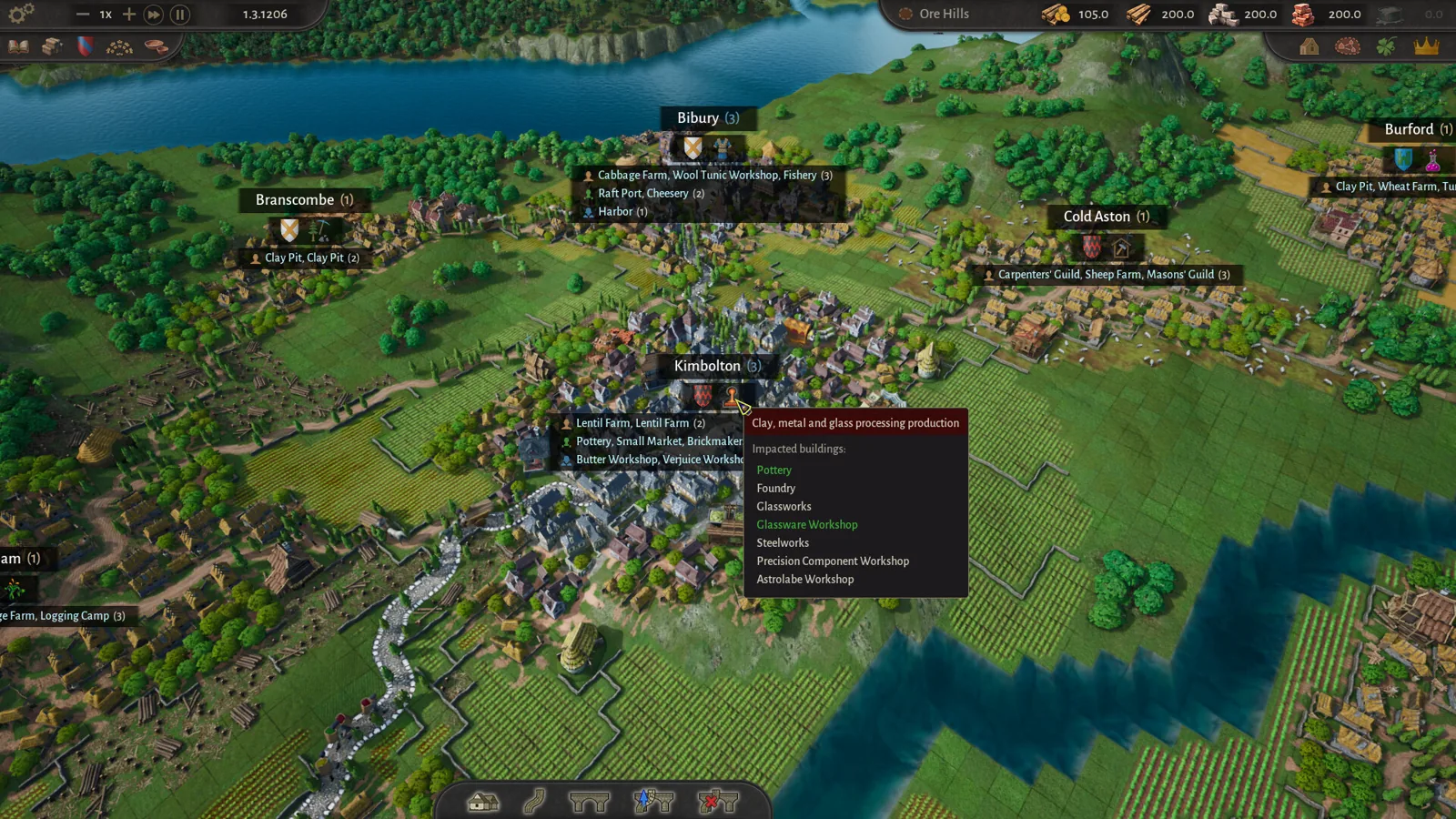
County of Fortune gameplay: County Building Loop Guide
See how County of Fortune gameplay works: found settlements on resources, assign mayors, connect by road, set recipes, level up, and unlock new regions.
County of Fortune Mechanics
County of Fortune Multiplayer: Is Co-op Available?
County of Fortune multiplayer status confirmed: the Steam page lists only single-player, so here is exactly what that means for co-op and shared counties.