
County of Fortune Why Are My Goods Not Moving – Fix Guide
Quick answer
Check production first, then transport: your goods are probably stalled because the origin settlement has no surplus, or the route itself is broken. The County of Fortune Wiki's FAQ lists the usual transport culprits: a road that stops short of the market square, a bridge that was never built, a raft port pointed the wrong way, or heavy goods assigned to road travel when the river is the carrier they need.
| Stalled-goods causes | No surplus at origin; road not reaching the market square; missing bridge; raft port facing the wrong way; heavy goods sent by road |
|---|---|
| Trade route setup | Reach level two, build a small market or raft port, connect by road or river, open the trade screen with T, enable auto-trade and create the route |
| Demo cap | The demo covers settlement levels 1–2 and the Commoner class; full trade including sailboats that move goods upstream arrives in Early AccessCounty of Fortune on Steam (official) |
Why are my goods not moving in County of Fortune? Diagnose stalled trade routes step by step and get wagons and rafts carrying goods between settlements again.
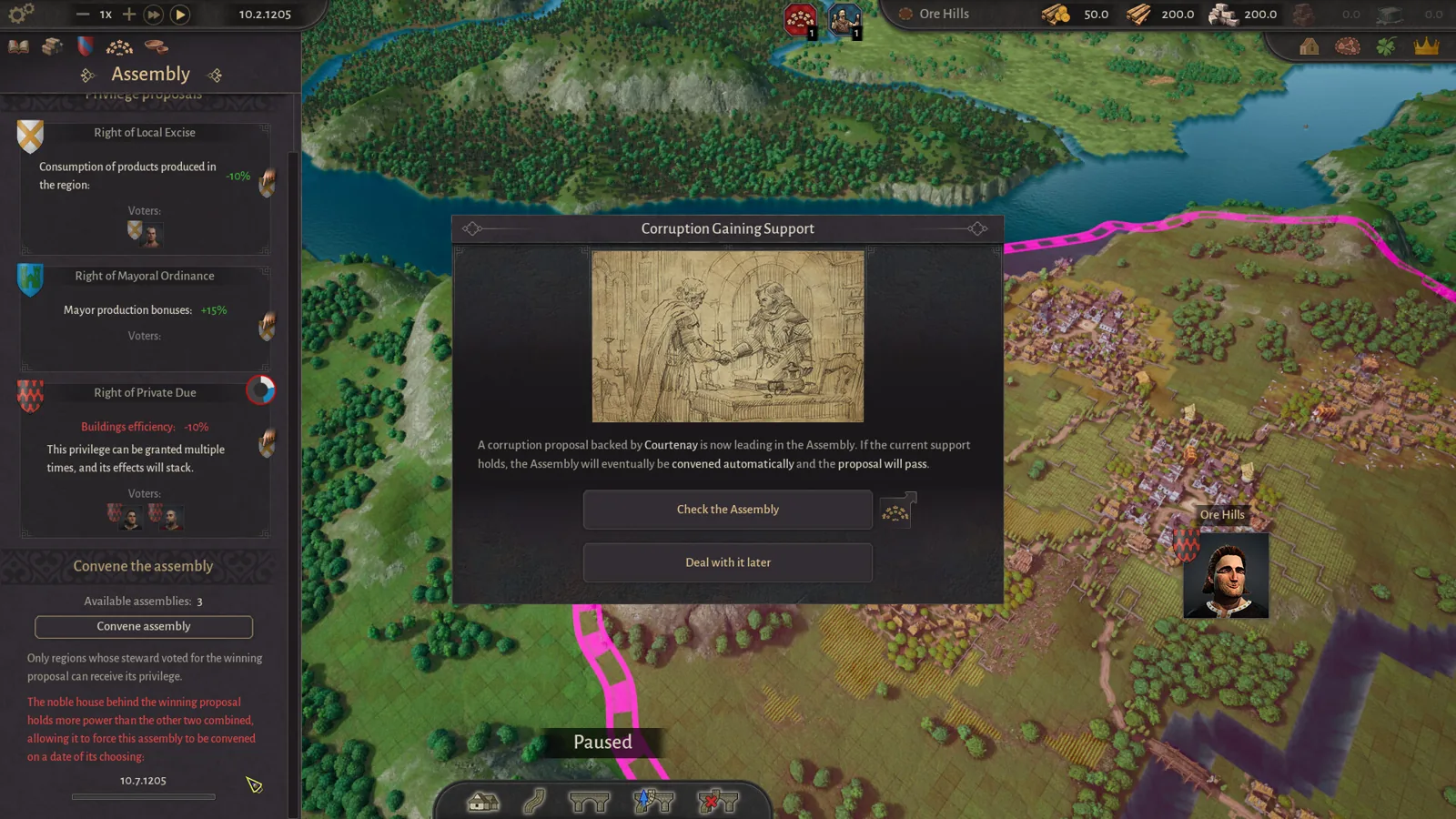
Table of Contents
Check production first, then transport: your goods are probably stalled because the origin settlement has no surplus, or the route itself is broken. The County of Fortune Wiki's FAQ lists the usual transport culprits: a road that stops short of the market square, a bridge that was never built, a raft port pointed the wrong way, or heavy goods assigned to road travel when the river is the carrier they need.
Diagnose the route
Work through the chain from origin to destination:
Confirm a surplus exists
Open the origin settlement and check that it actually produces more of the good than it consumes. If the store balance is zero, no wagon has anything to carry.Check the road connection
The road must physically reach the market square. A road that stops short of it leaves the route stranded.Check river crossings
A bridge may be missing over a water gap. Demo update 0.1.10 increased maximum bridge length, so longer crossings are now possible.Check raft ports
A raft port has a direction. If it faces the wrong way, rafts cannot load. Note also that early raft trade only runs downstream.Check the goods themselves
Per the community FAQ, roadbound wagons may refuse heavy cargo that should instead go by boat.
A player reviewing the demo also hit a related gridlock: settlements he had promoted to level two could not open new trade buildings because equipment needs were unmet, so his market and raft port existed but the network stalled. Supplying equipment (wooden chests or wool tunics at the Peasant tier) unlocks slots and more workers, which gets trade buildings staffed and running.
If the route still will not start
- Verify the route was actually created: get the settlement to level two, put a small market or raft port down, link the two regions with a road or over a navigable river, press T for the trade screen, then pick the product, set origin and destination, enable auto-trade and confirm the route.
- Watch for missing-input warning icons on production buildings; the demo shows these after the October QoL update.
- If a settlement sits in the wrong spot for trade, the demo now lets you move it for free within its region.
Next steps
- The County of Fortune Trade Routes Guide covers connecting markets and setting up raft ports in full.
- If equipment shortages are blocking your trade buildings, see how to level up a settlement.
- For recovering a badly placed origin town, our settlement fixes page covers moving and demolishing.
FAQ
County of Fortune why are my goods not moving even with a trade route set?
A route only runs when the origin has a surplus and the physical link is complete. According to the County of Fortune Wiki, the most common breaks are a road that fails to reach the market square, a missing bridge, a wrongly facing raft port, or heavy cargo booked onto a wagon instead of a raft.
How do I trade between regions?
Per the community wiki's players' write-up: hit level two, place a small market or raft port, join the two regions with a road or via a navigable river, then press T for the trade screen and set product, origin, destination and auto-trade.
Can I delete a settlement that blocks my trade network?
The demo has no delete-settlement button; moving the settlement for free within its region is the supported fix. Individual buildings can be demolished and replaced, including starting buildings.
Answer details come from the official Steam page and its developer posts, a first-hand demo playthrough, and the player-maintained County of Fortune Wiki; the route-setup specifics and stalled-goods causes are community reports, not developer-confirmed instructions.
Related guides for this game
County of Fortune Guides
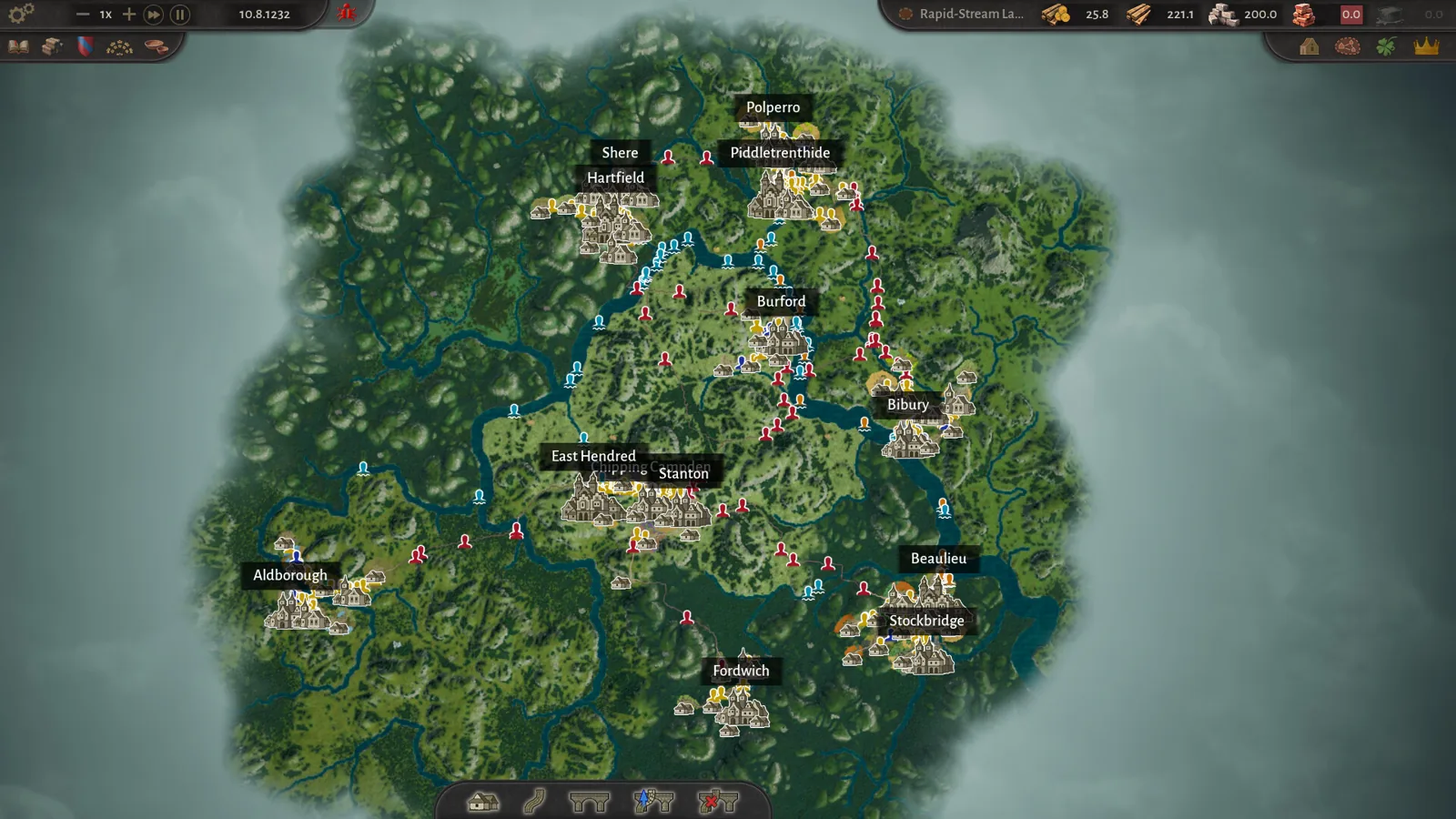
County of Fortune why can’t I move stone by road — fix guide
County of Fortune why can't I move stone by road: stone is a heavy good that can only travel between regions by river via raft ports, downstream only.
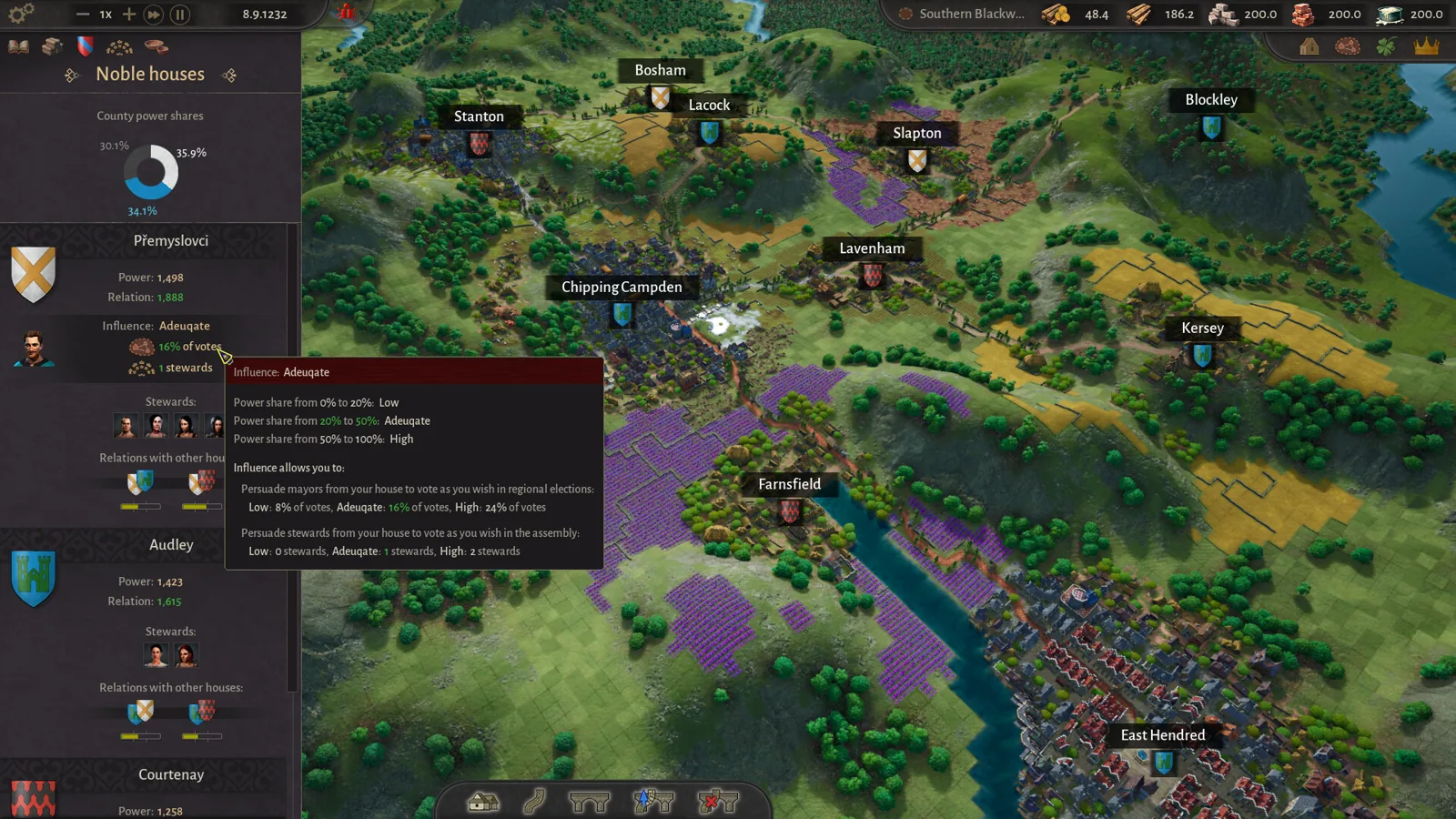
County of Fortune Alburn iron mine and Foundry Guide
Build a County of Fortune Alburn iron mine, link roads, appoint a mayor, and ship ore into a level 2 foundry to smelt metal bars for downstream workshops.
County of Fortune Assembly Votes and Privileges Guide
Learn how the County of Fortune assembly works, from house proposals and steward votes to regional privilege effects, corruption risks and eligibility.
County of Fortune Build the Chandlery: Mason’s Guild Guide
County of Fortune build the chandlery explained: raise a mason's guild for masonry points, supply an apiary, and fix the 0% production worker shortage.
County of Fortune Gameplay & Media
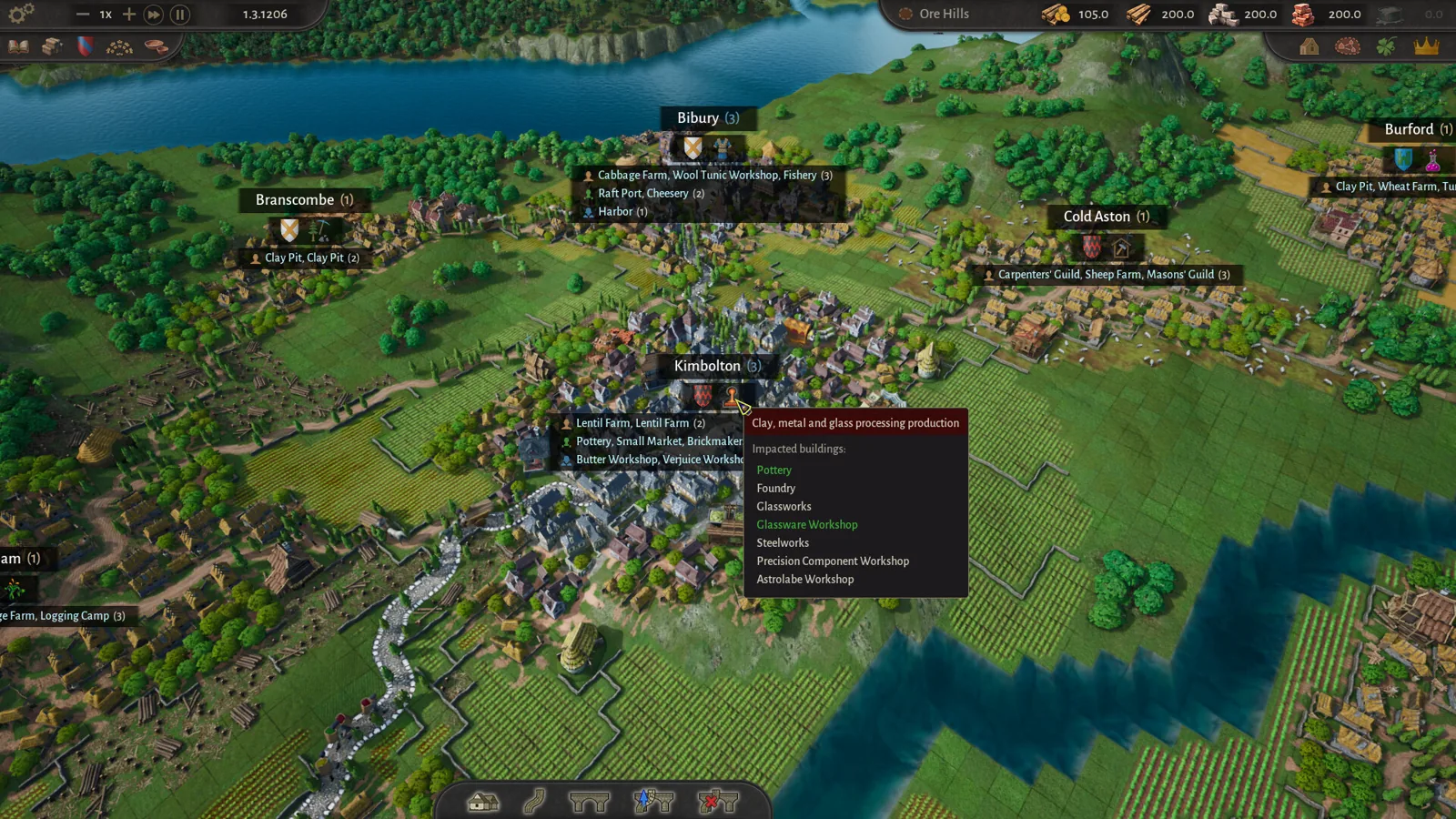
County of Fortune gameplay: County Building Loop Guide
See how County of Fortune gameplay works: found settlements on resources, assign mayors, connect by road, set recipes, level up, and unlock new regions.
County of Fortune Mechanics
County of Fortune Multiplayer: Is Co-op Available?
County of Fortune multiplayer status confirmed: the Steam page lists only single-player, so here is exactly what that means for co-op and shared counties.