
County of Fortune gameplay: County Building Loop Guide
Quick answer
County of Fortune gameplay is a county-scale city builder loop: found a settlement on a resource, assign it a mayor, connect it by road, set its food and equipment recipes, then level it up to unlock new regions and inter-regional trade. The game enters Early Access on November 5, 2026, and a free demo is available now on the official Steam page, with demo progress carrying into the full game.
| Early Access release | November 5, 2026, per the official Steam pageCounty of Fortune on Steam |
|---|---|
| Build settlement shortcut | 'Build New Settlement' on the bottom bar or the C keyCounty of Fortune Steam Community - DEMO FAQS |
| Road shortcut | 'Build a road' on the bottom tab or the V key; Shift builds diagonallyCounty of Fortune Steam Community - DEMO FAQS |
| Trade route shortcut | Open trade button or the T key; routes default to auto-tradeCounty of Fortune Steam Community - DEMO FAQS |
| Demo limits vs Early Access | Demo caps settlements at level 2 and the Commoner class; Early Access goes to level 4 with Artisans, Patricians, 40+ new buildings and 50 new productsCounty of Fortune Steam Community - DEMO FAQS |
See how County of Fortune gameplay works: found settlements on resources, assign mayors, connect by road, set recipes, level up, and unlock new regions.
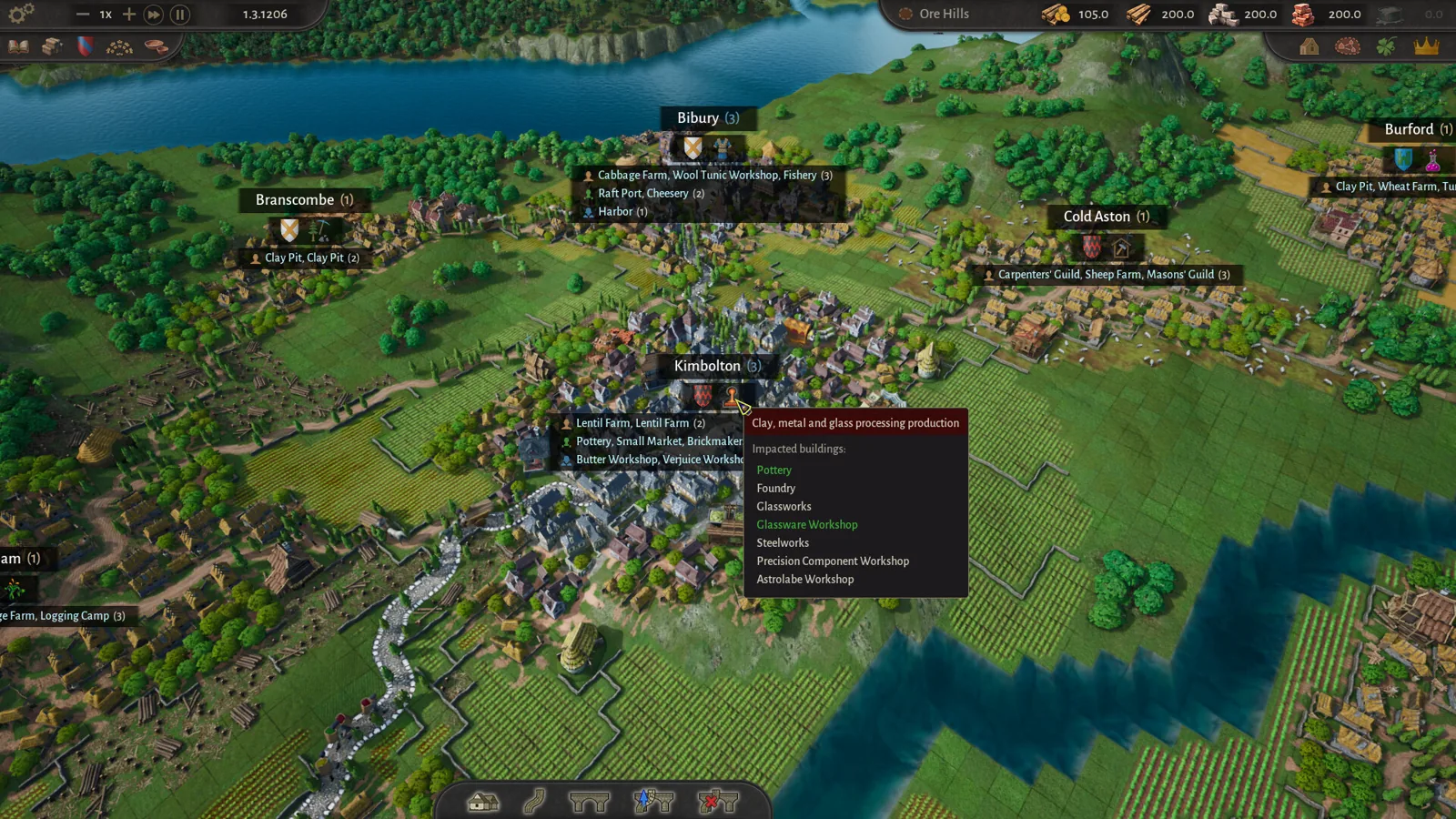
Table of Contents
County of Fortune gameplay is a county-scale city builder loop: found a settlement on a resource, assign it a mayor, connect it by road, set its food and equipment recipes, then level it up to unlock new regions and inter-regional trade. The game enters Early Access on November 5, 2026, and a free demo is available now on the official Steam page, with demo progress carrying into the full game.
The core loop
You play a lokator, a medieval colonizer and noble steward given a blank stretch of kingdom. Unlike a normal city builder, you are not growing one city. You place whole settlements across the county, each laid out on a medieval grid, and each specializes based on the deposits, soil, climate and rivers around it. Per the developer's Early Access statement, the current version already includes settlement and regional development, production and logistics, trade, cultures, and noble houses.
The loop repeats in every region:
- Pick a site where the terrain suits what you want to produce.
- Grow the settlement from hamlet to town, with procedurally generated buildings filling the grid.
- Link it into the region with roads and bridges.
- Fulfil its food and equipment needs to level it up.
- Once mature, found a new region, exploit new resources, and ship goods between regions by road or river.
Found a settlement
Select 'Build New Settlement' on the bottom bar, or press C. In the tutorial, place your first settlement inside one of the white circles. Choose a starting building, then place the settlement in the blue area where that resource — food, forest, stone — is found. Check which resources are nearby and which way the river flows before committing; heavier goods can only travel downstream by water.
Hire a mayor and assign recipes
Open the settlement window, click the empty red portrait, then click your chosen mayor to appoint them. Check the mayor's bonus first: someone specializing in vegetable production boosts a turnip farm, for example. Every mayor belongs to a noble house, so hiring shapes county politics as well as production. Then, in the settlement's building tab, set a recipe — for example a turnip recipe on the basic farm — so the settlement has something to produce and consume.
Connect everything by road
Select 'Build a road' on the bottom tab or press V, and connect the yellow middle market squares of each settlement. Red road sections cannot be built; over water, use the bridge tool first. Hold Shift to build diagonally. Once settlements are connected, vendors automatically distribute products — set a settlement to accept a food recipe or equipment and deliveries start rolling in, though not instantly.
Level the settlement up
Fulfil all consumption needs in both the food and equipment categories for that settlement. Equipment for the first social class means wooden chests from a chest workshop or wool tunics from a tunic workshop; supplying equipment also unlocks extra building slots and increases worker capacity. Then click the 'Level Up' button next to the mayor's portrait. In the demo, settlements cap at level 2; Early Access raises the cap to level 4, adding the Artisan and Patrician classes, over 40 new production buildings including ports, and 50 new products.
Found the next region and trade
Once a settlement reaches level 2, build a small market (a Commoner building) to trade by land, or a raft port for river trade. Press T or use the open trade button, pick your goods, and click 'add trade route' between regions. Routes default to auto-trade, adjusting quantities to each region's demand, but you can specify a yearly amount.
Production, construction and resource rules
- Carpenters and masons. Carpentry points come from a carpenter's guild plus a wood supply; masonry points from a mason's guild plus stone. These points build and maintain infrastructure, and free construction points can substitute for carpentry points early on — they are shown in the top-right corner of the main bar and now (since the October 2026 update) can be spent even after construction has started.
- Road upgrades. Dirt roads carry limited traffic. Upgrading to stone roads needs stone and a mason's guild; you will be notified when a road's capacity is insufficient.
- River logic. Heavier goods — logs, stone, clay, sand — can only move by river, and in the demo rafts travel downstream only. A raft port in the receiving region can also take lighter goods over land, as long as the sending region has a small market.
- Moving and reworking. Settlements can be moved, free of cost, as long as the new spot is near the original and in the same region. Any building can be demolished and replaced, so you can completely change what a settlement produces.
Noble houses and cultures
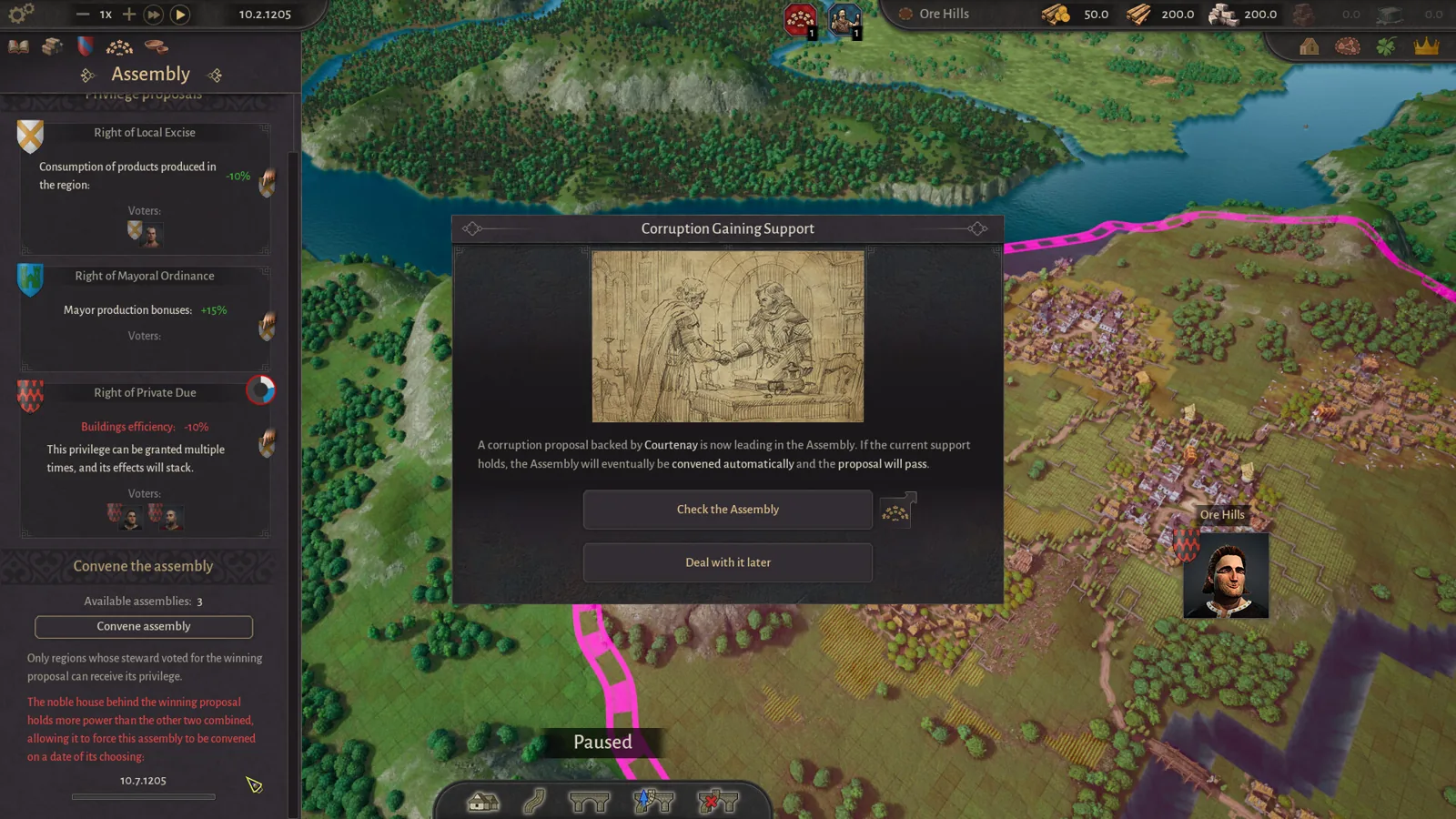
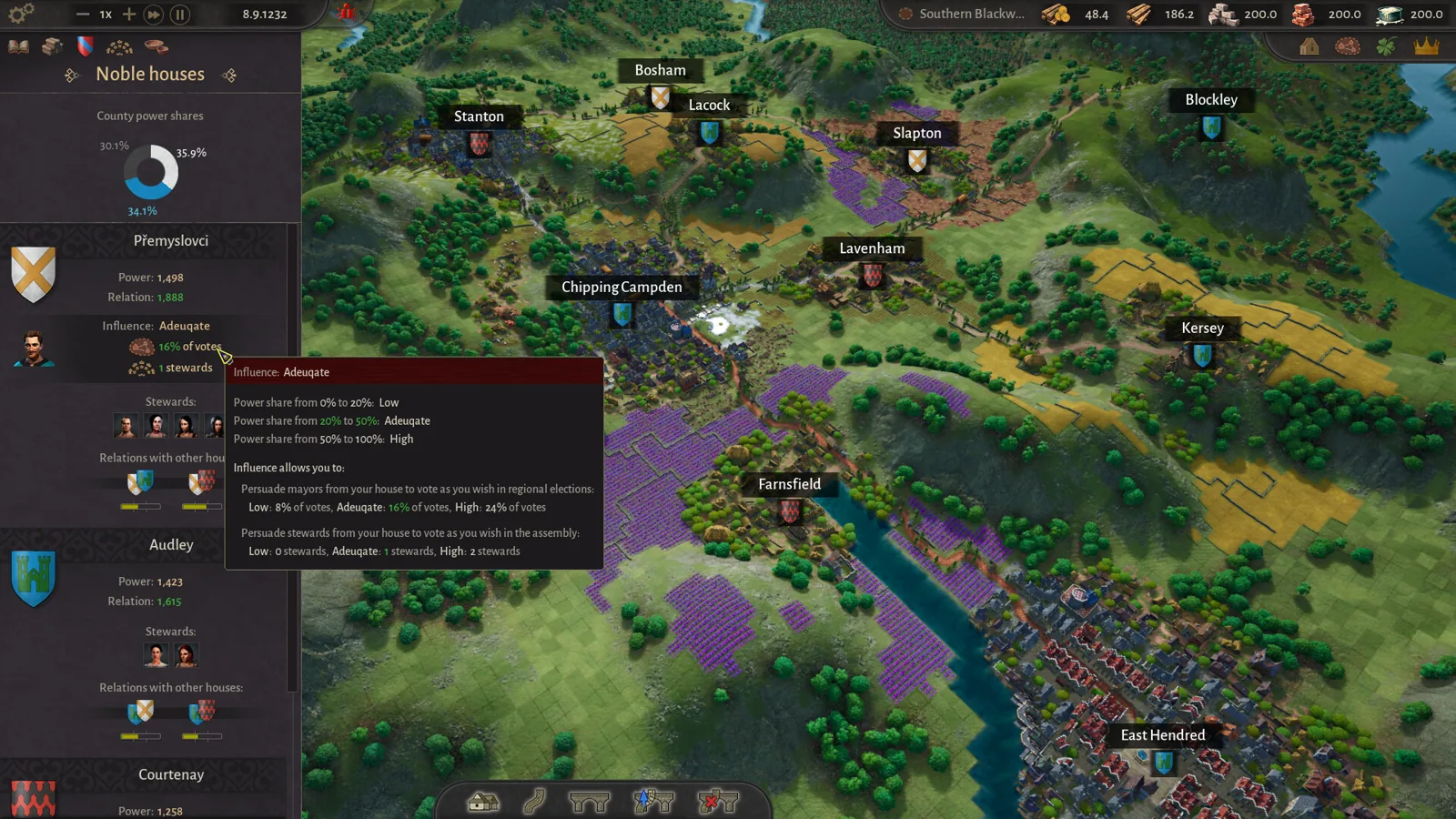
The economy is only half the game. Named mayors run each settlement, every mayor belongs to a noble house, and rival houses weave politics across the county — the developer's own assembly feature even lets house stewards vote on regional privileges. One player video notes that a charming but ruthless mayor can carry a large voting bonus alongside hostility with other houses, so stacking every settlement under one house makes it overwhelmingly powerful.
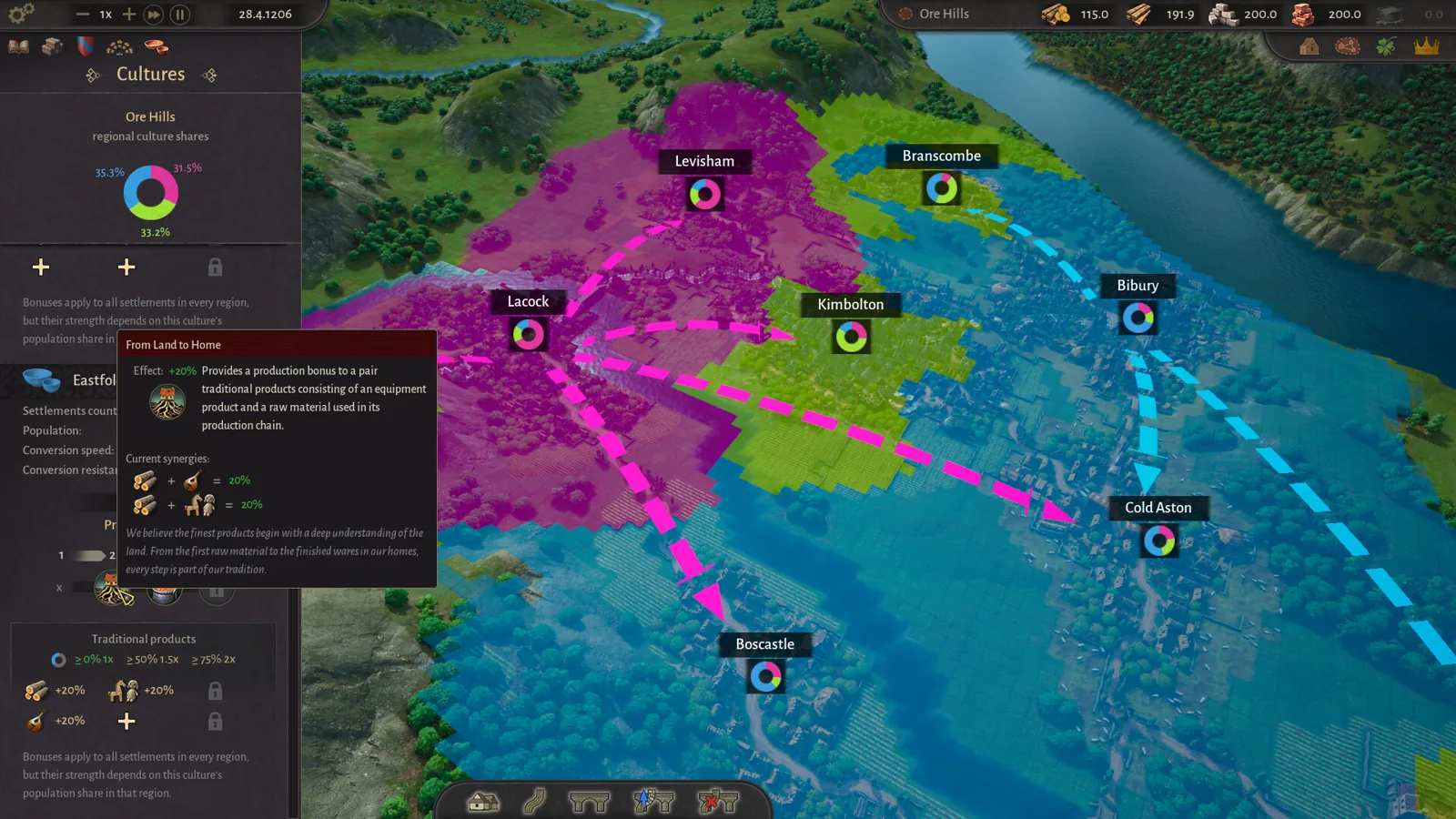
Cultures work through Traditional Products. Each culture gets 6 slots for products it was the largest regional producer of in the last 12 months, bonuses scale with the culture's population share (multiplying by 2.5× at over 75% of a region, per the dev diary — the community post states ×2), and slots can be reassigned later, so early choices are not permanent.
Next steps
- Read the Steam DEMO FAQS post for the full official list of menu shortcuts, road upgrade requirements and trade route rules quoted above.
- Watch a full demo playthrough, such as this YouTube gameplay video, to see the first-region route in real time, including how the tutorial walks you through five settlement placements.
- Check the official Steam page before launch on November 5, 2026, for price and any last system changes.
FAQ
What is County of Fortune gameplay like compared to a normal city builder?
Instead of one city, you manage a whole county: multiple settlements on a medieval grid, each specializing by terrain, linked by roads and rivers, with mayors, noble houses and cultures adding a politics layer on top of the production chains.
How do I level up a settlement?
Supply every food and equipment consumption need for that settlement, then click 'Level Up' beside the mayor's portrait. You can also level a settlement down to raise another one.
How do I trade between regions?
Level a settlement to 2, build a small market in each trading region (or raft ports for river trade), press T, add a trade route, and pick your goods. Auto-trade adjusts quantities to demand by default.
What does the demo not include?
Per the DEMO FAQS post, the demo has one map, settlement levels capped at 2, and only the Commoner class; Early Access adds levels 3-4, Artisans and Patricians, 40+ production buildings including ports, and 50 new products.
Checked 2026-11-02 against the official Steam store page and the developer's Steam community posts (DEMO FAQS, dev diaries, changelogs), plus a first-hand demo playthrough video. The exact noble-house and culture bonus values observed in that video are a player's demo experience, not official numbers, and may differ at Early Access launch.
Related guides for this game
County of Fortune Guides
County of Fortune Alburn iron mine and Foundry Guide
Build a County of Fortune Alburn iron mine, link roads, appoint a mayor, and ship ore into a level 2 foundry to smelt metal bars for downstream workshops.
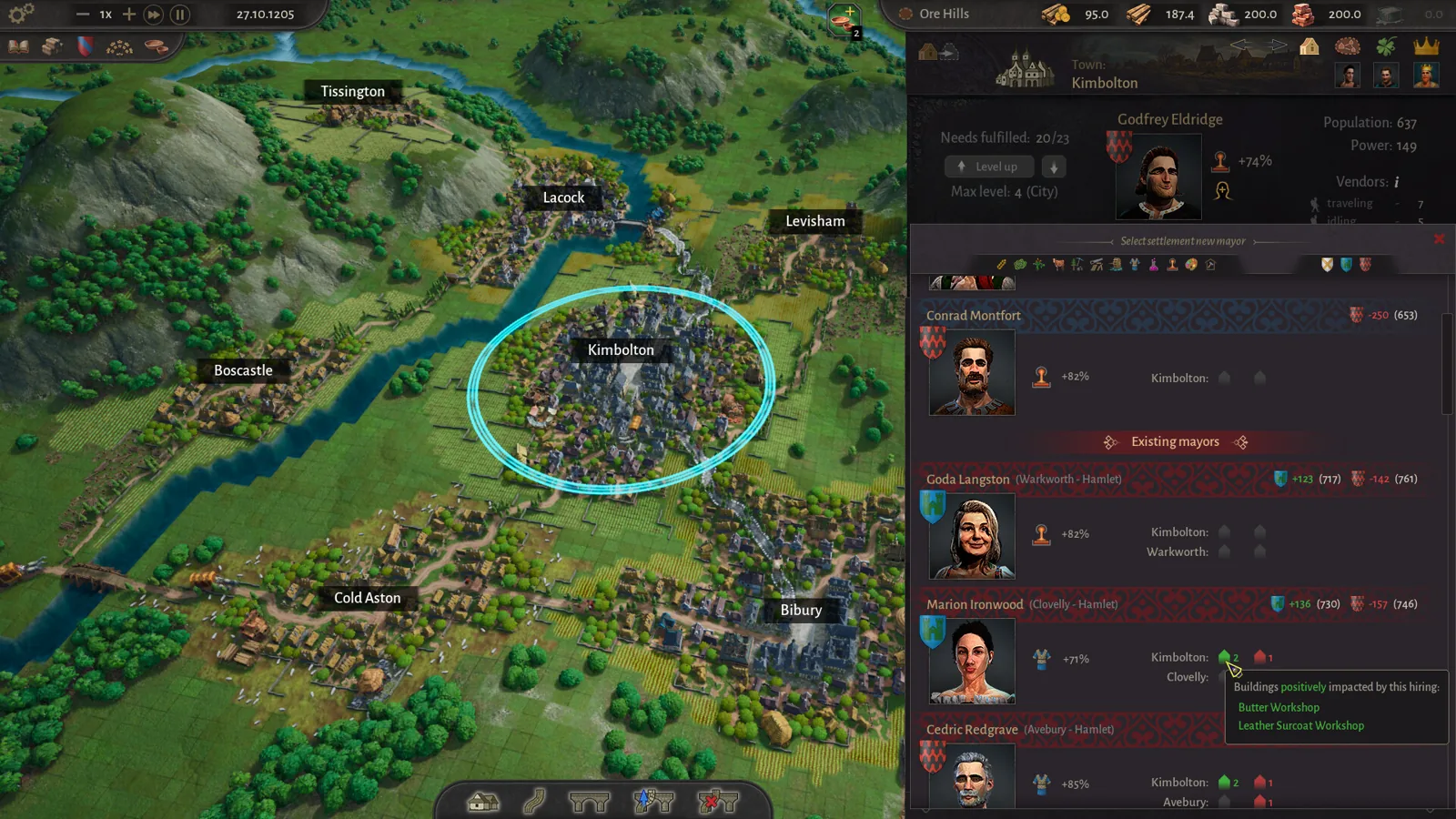
County of Fortune Assembly Votes and Privileges Guide
Learn how the County of Fortune assembly works, from house proposals and steward votes to regional privilege effects, corruption risks and eligibility.
County of Fortune Build the Chandlery: Mason’s Guild Guide
County of Fortune build the chandlery explained: raise a mason's guild for masonry points, supply an apiary, and fix the 0% production worker shortage.
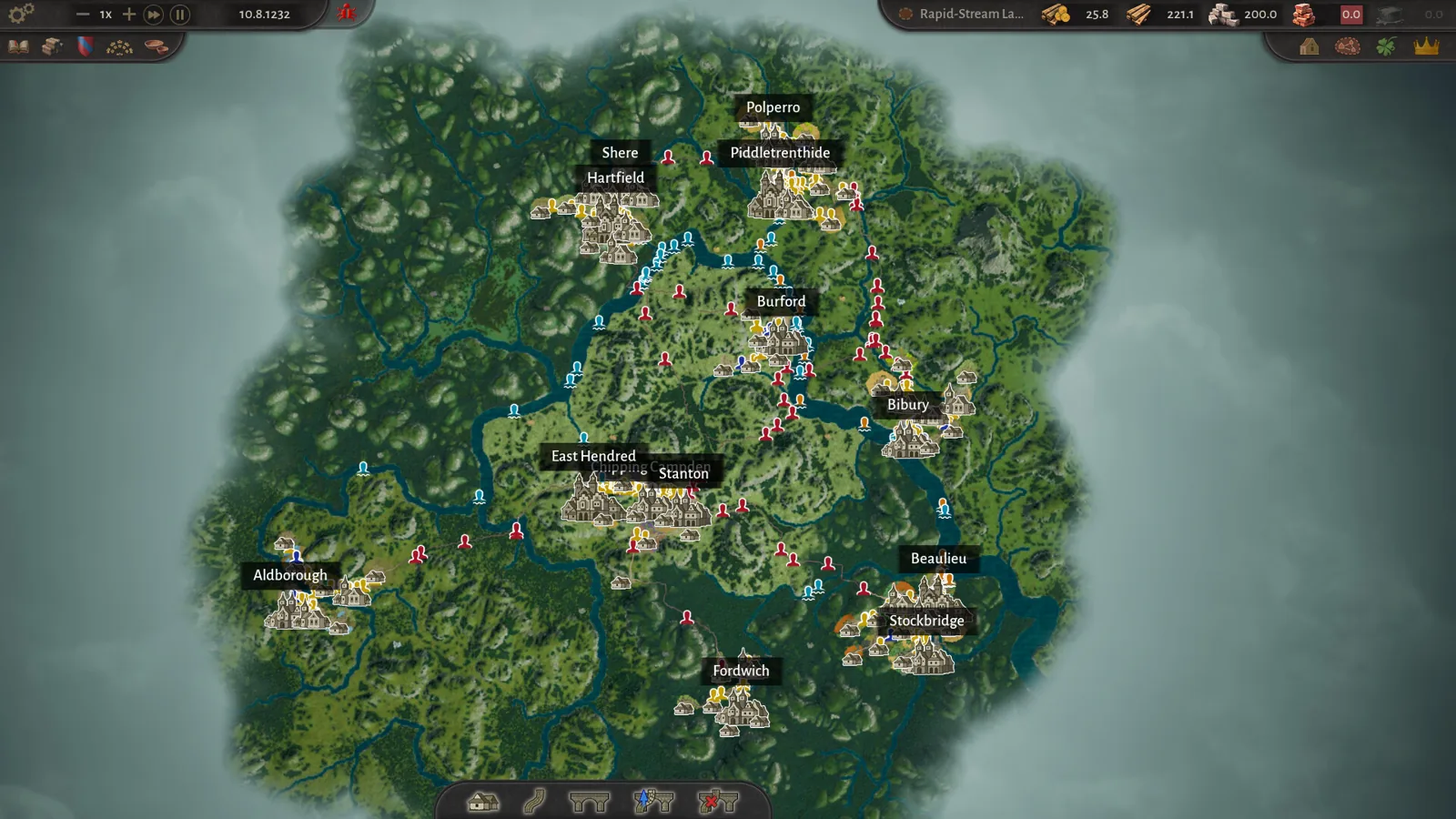
County of Fortune chestnut oil mayor and chain guide
County of Fortune chestnut oil mayor picks and the chain: grow chestnuts, press oil in a level 3 town, then serve beef on chestnut oil to your Artisans.
County of Fortune Construction Points: Production Guide
See which County of Fortune construction points your guild is short of and why: tooltip shows each type's production chain, region and material storage.
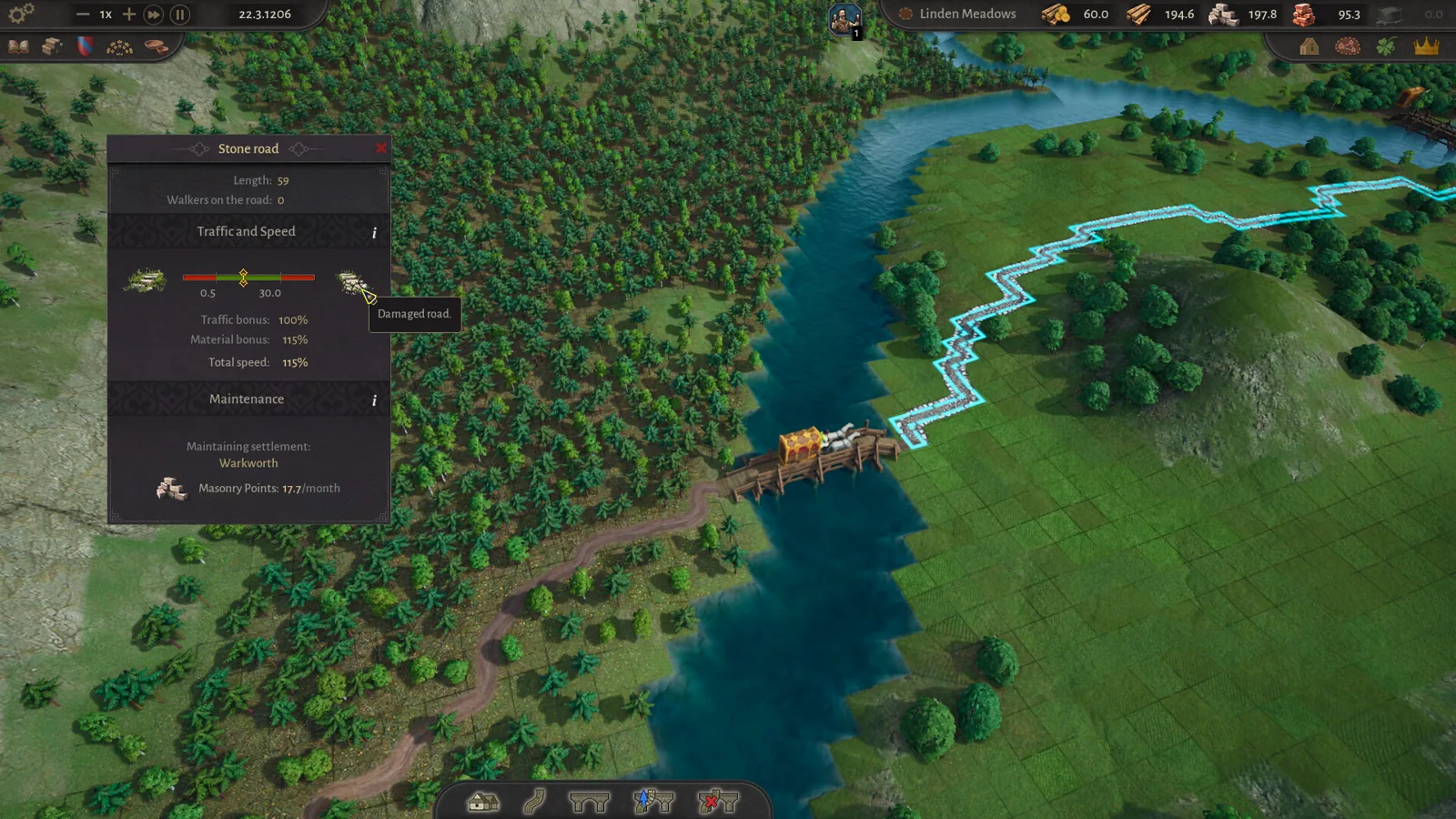
County of Fortune Guide: Beginner Walkthrough for Lokators
This County of Fortune guide walks new lokators through founding their first settlement, roads, mayors, and trading, using the free demo and official tips.