
County of Fortune How to Level Up a Settlement Guide
Quick answer
The way to promote a settlement is straightforward: cover every Food and Equipment entry listed in its panel, and the Level up button there becomes clickable once the last one is satisfied. According to the County of Fortune fan wiki, the button stays locked as long as even one need remains open, so treat a greyed-out Level up as a signal that something in the panel is still short rather than a bug. The same player-collected notes add that a settlement can also be demoted later, returning what it consumes so a neighbouring settlement can claim those goods instead.
| Promotion condition | Every Food and Equipment need covered, then use Level up in the settlement panel |
|---|---|
| Demo level cap | Settlements reach level 2 in the demo; Early Access raises the cap to level 4County of Fortune on Steam (official) |
| Slots and equipment | Equipment deliveries open more building slots and raise worker capacity from level two on |
County of Fortune how to level up a settlement: meet every Food and Equipment need, click Level up in the settlement panel, and know the demo's cap.
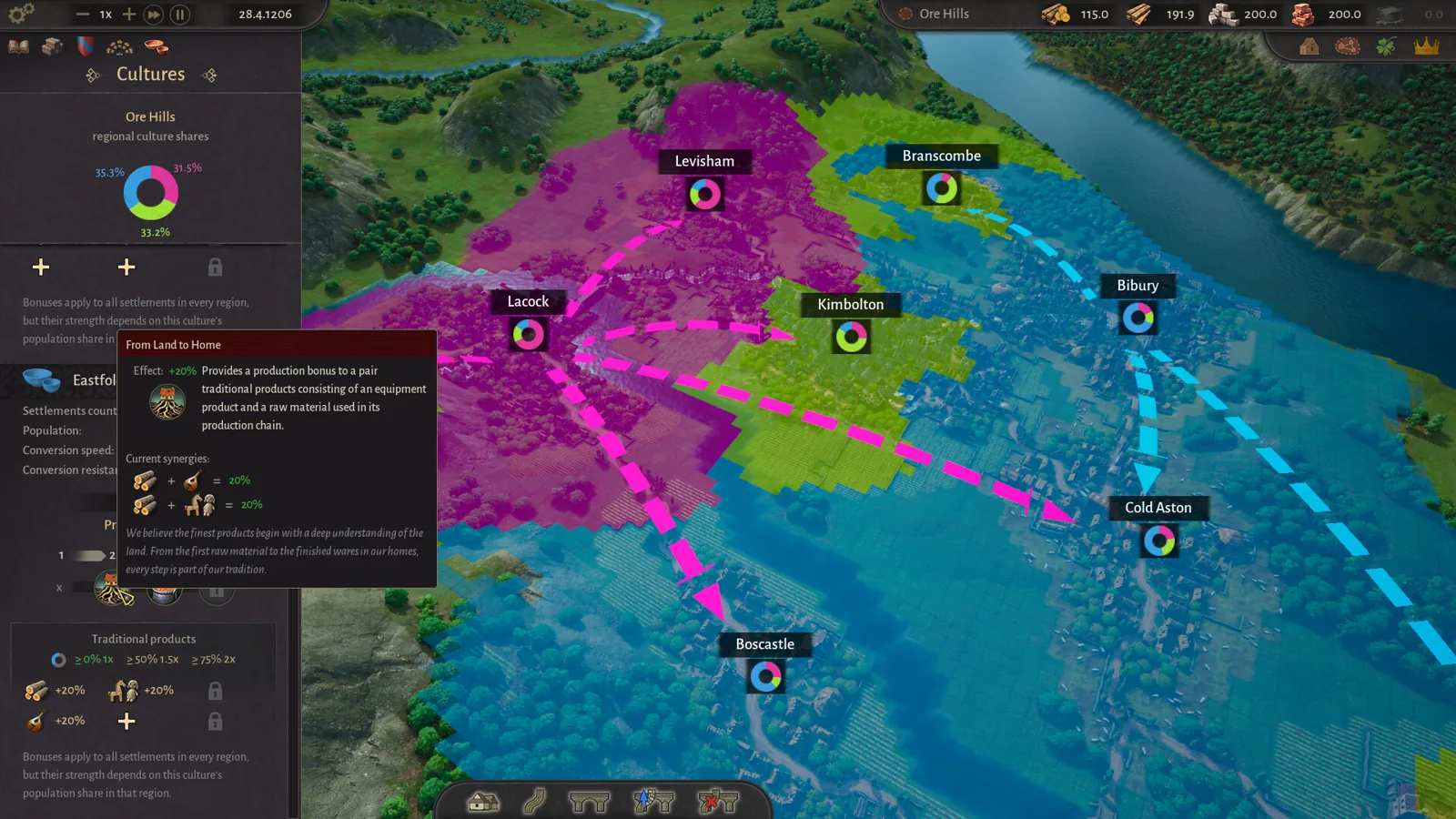
Table of Contents
The way to promote a settlement is straightforward: cover every Food and Equipment entry listed in its panel, and the Level up button there becomes clickable once the last one is satisfied. According to the County of Fortune fan wiki, the button stays locked as long as even one need remains open, so treat a greyed-out Level up as a signal that something in the panel is still short rather than a bug. The same player-collected notes add that a settlement can also be demoted later, returning what it consumes so a neighbouring settlement can claim those goods instead.
The promotion process step by step
The official Steam page and its developer demo FAQs confirm the underlying framework: settlements climb through levels, and as they become better supplied they evolve, drawing in advanced workers and opening new goods and buildings. Here is the working route as the material supports it:
Open the settlement panel
Select the settlement you want to promote. Its panel lays out the needs for the current level, separated into Food and Equipment categories.Cover every Food entry
The list names the foods required. A player who recorded five hours of the demo describes the pattern at the starting tier as choosing three food products, with every listed slot needing to be filled at higher levels. Build the matching farms or workshops, or arrange for another settlement in the region to make and ship the goods to yours.Cover every Equipment entry
The fan wiki's collected notes say equipment deliveries are also what widen the settlement's building capacity, and that during the Peasant tier items such as wooden chests or wool tunics do the job. Extra equipment additionally lifts the worker cap inside buildings once they reach level two and beyond.Click Level up
When every need reads as satisfied, the Level up control in the panel goes live. Clicking it promotes the settlement, freeing new building slots and, at level two, unlocking structures such as the small market or the chandlery.
What to do when Level up will not activate
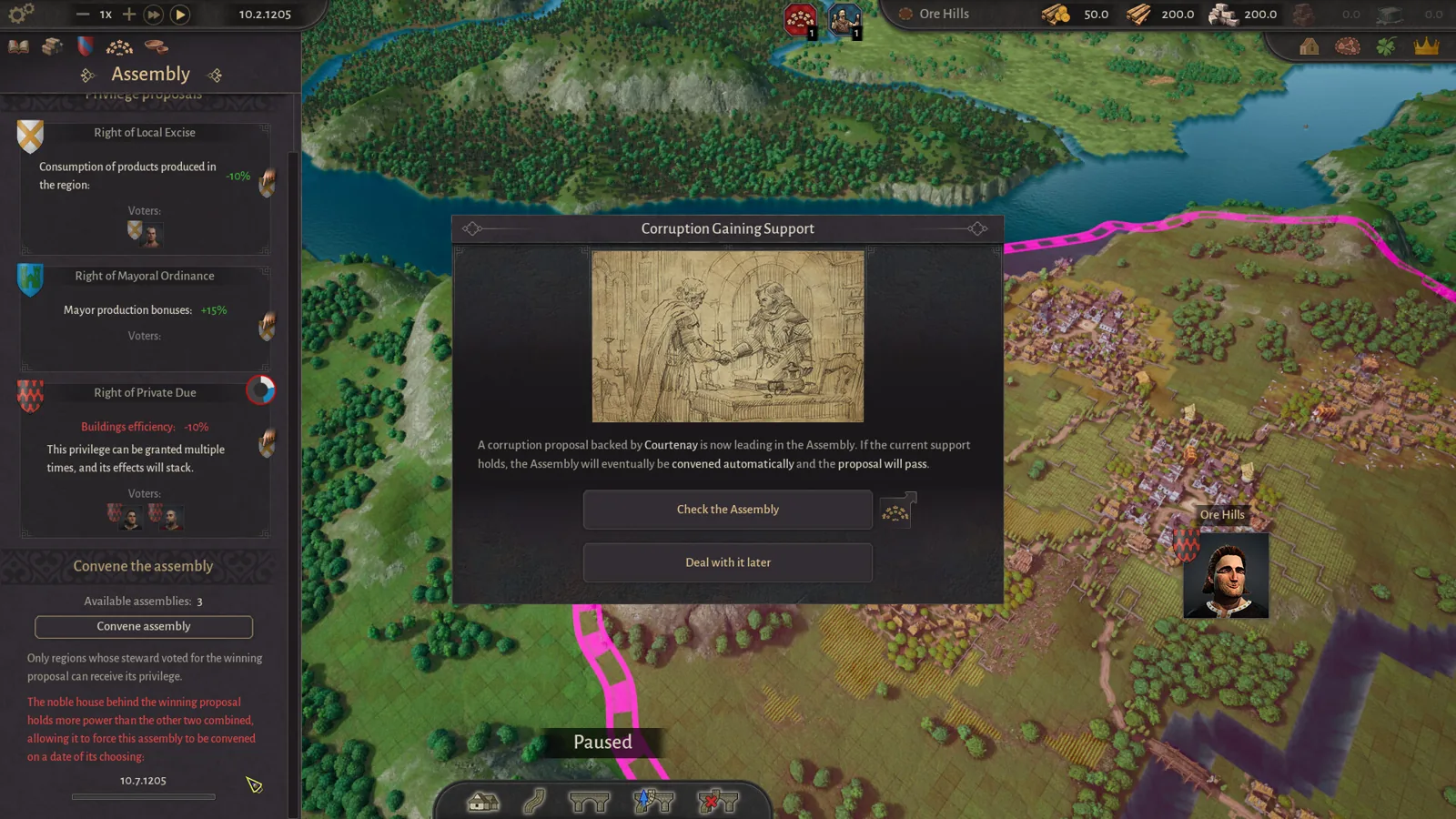
Go through the needs panel entry by entry — a single uncovered Food or Equipment line is enough to keep the button locked. If the region already produces the missing goods but nothing arrives, the fan wiki's troubleshooting notes and player reports point at transport rather than production as the usual culprit: the road may stop short of the settlement's market square, a river crossing might be absent where one is needed, or a bulky product could be attempting an overland trip it cannot handle. Our goods-movement page walks through each of those cases.
Next steps
- Find the clay deposits early, since level-two needs include ceramic tableware: see where to find clay.
- Once a settlement reaches level two, link it into the regional economy: see how to build the chandlery and why goods may not be moving.
FAQ
What is the exact County of Fortune how to level up a settlement method?
Fill every Food and Equipment line shown in the settlement panel, then press the Level up control in that same panel. It will not respond until the final need is covered.
How do new building slots open up?
By delivering equipment to the settlement. The fan wiki's notes list wooden chests or wool tunics as the Peasant-tier options, and note that more equipment also raises the worker limit in level-two and higher buildings.
Does the demo let me level past level 2?
No. The official demo FAQs on Steam list levels 1–2 plus the Commoner class for the demo, while Early Access supports promotion to level 4 with two further social classes.
Can a settlement be brought back down a level?
Yes. The player-collected FAQ notes say demotion is possible, and that the goods the settlement had been consuming return to the regional pool for another settlement to use.
Checked on 2026-11-02 against the official Steam store page and its developer demo FAQ announcements, a five-hour demo playthrough video, and the fan wiki's compiled answers. Exact need quantities per level come from community reporting and may change once Early Access patches land.
Related guides for this game
County of Fortune Guides
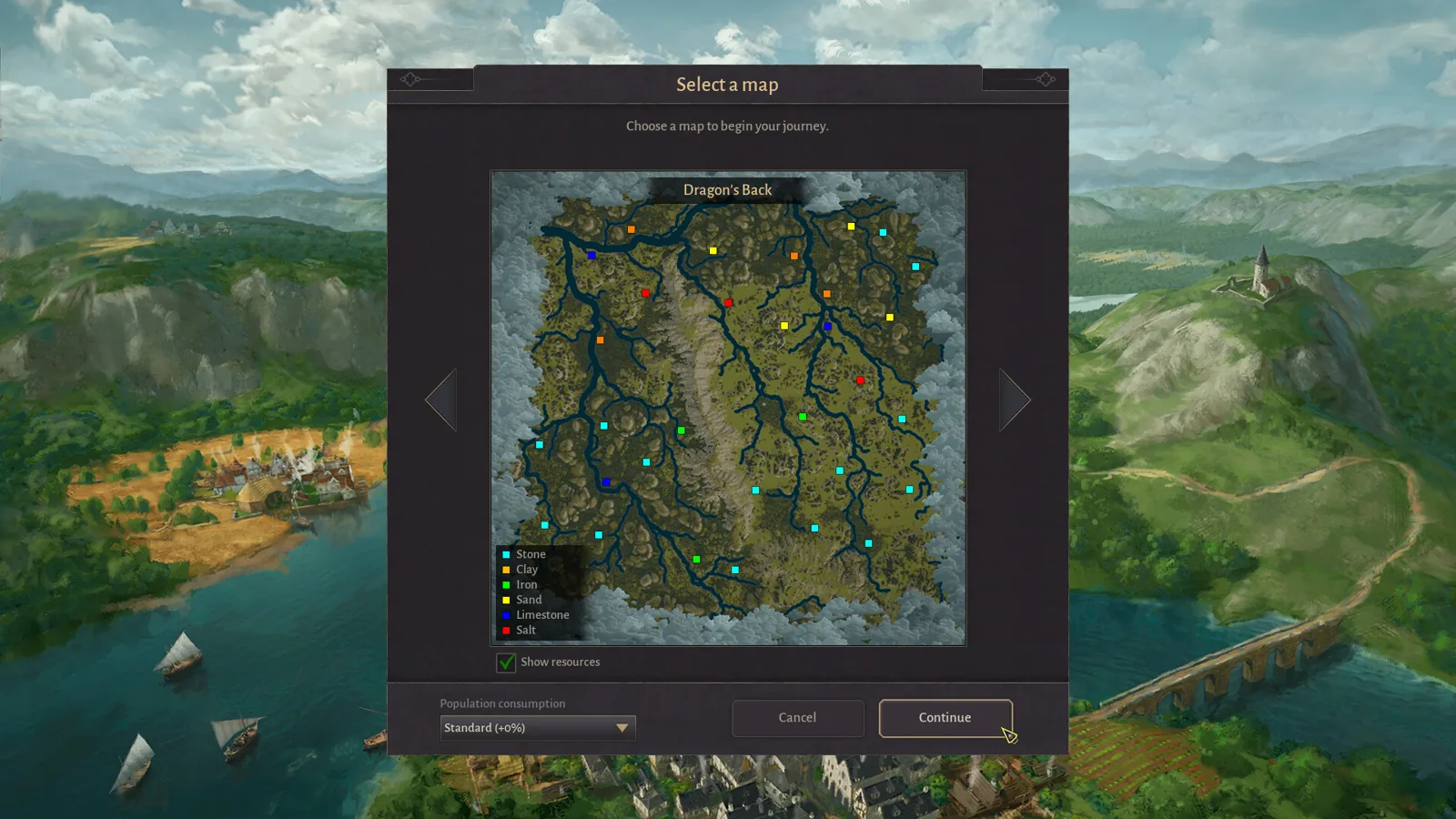
County of Fortune how to level up region settlements
County of Fortune how to level up region: grow settlements, meet food and equipment needs, press Level Up next to the mayor portrait; demo caps region level.
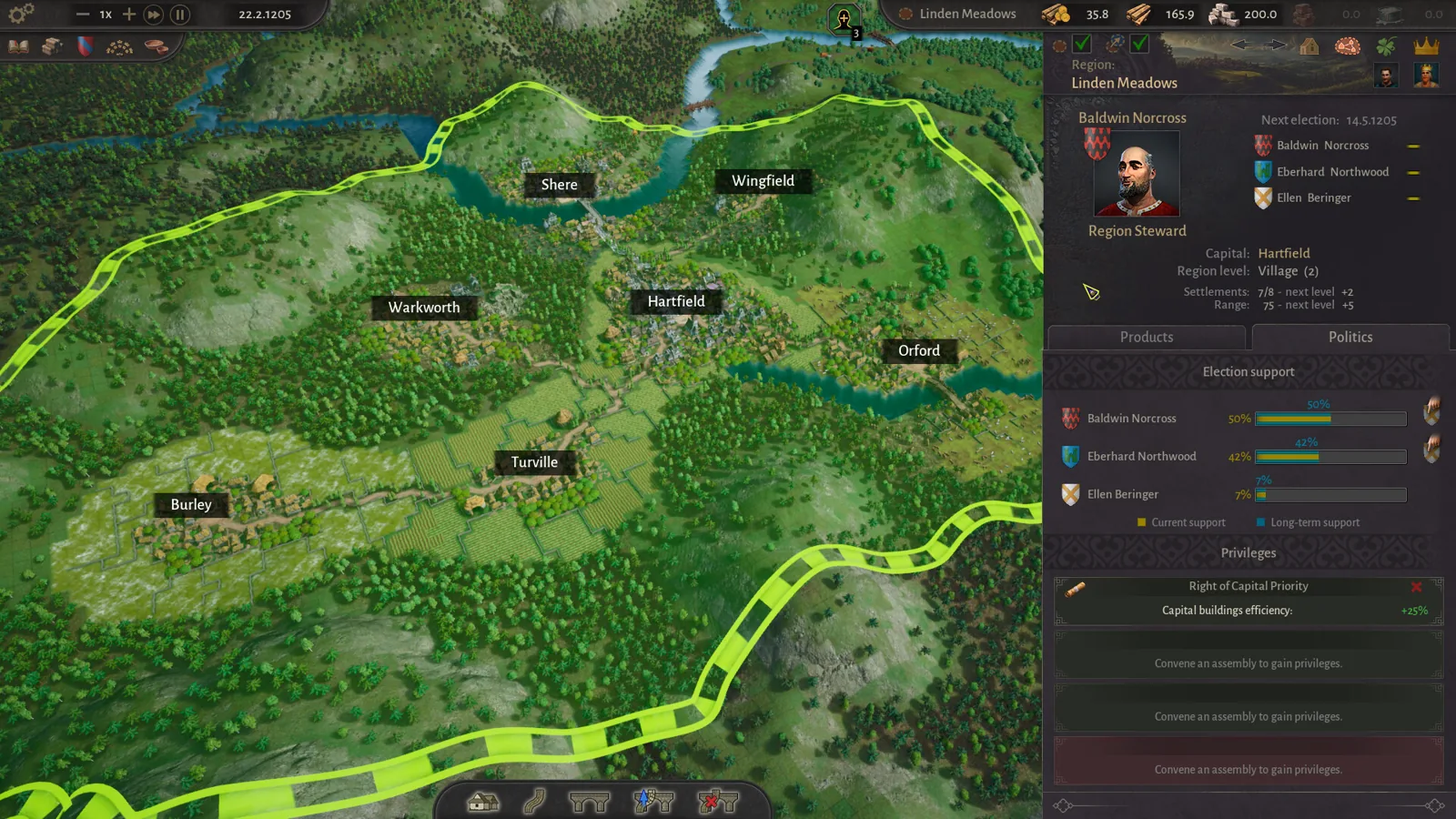
County of Fortune How to Trade: Trade Routes Guide
County of Fortune how to trade: learn how to trade between regions by getting level 2 settlements, placing a small market or raft port, and linking roads.
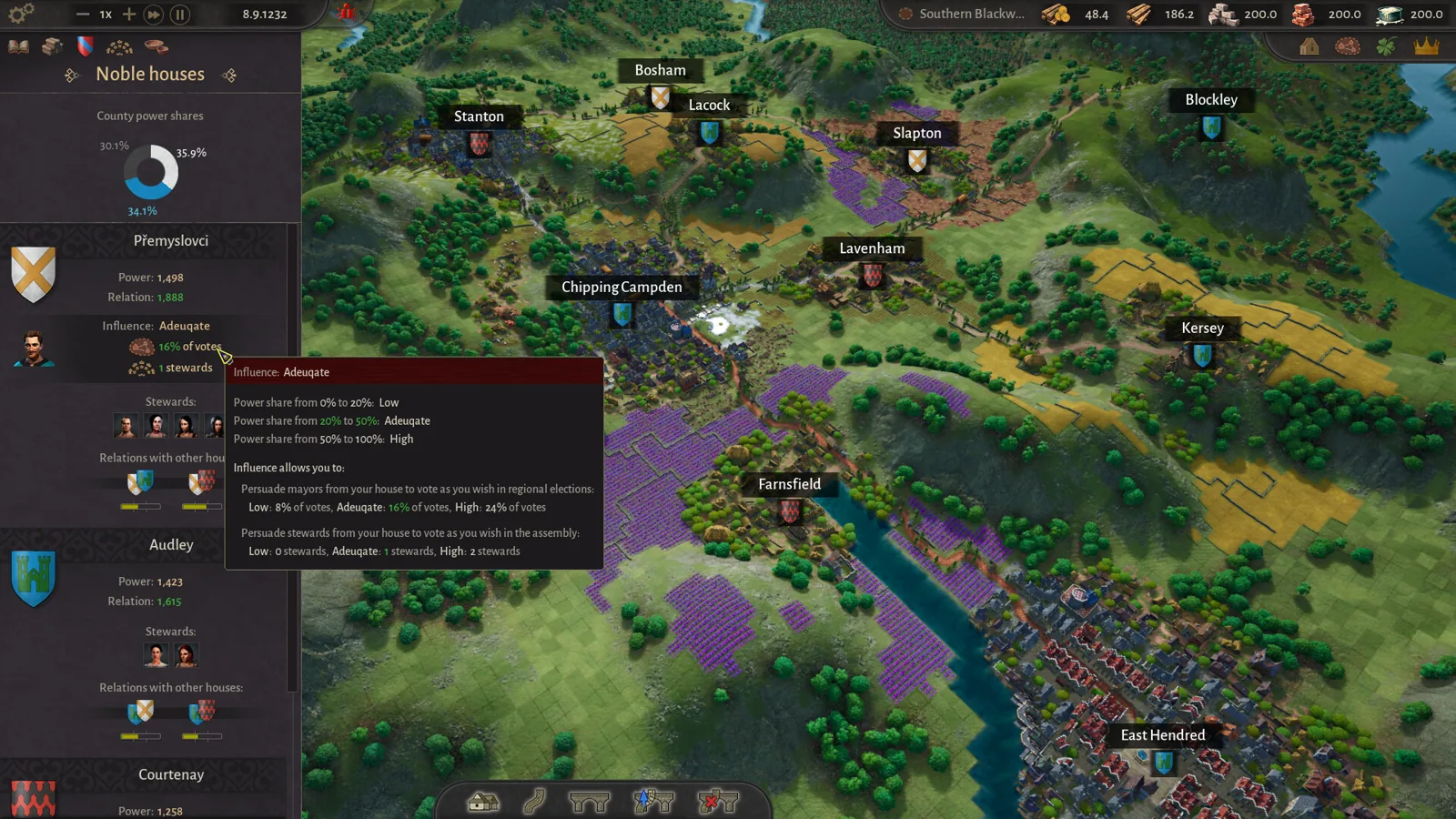
County of Fortune Alburn iron mine and Foundry Guide
Build a County of Fortune Alburn iron mine, link roads, appoint a mayor, and ship ore into a level 2 foundry to smelt metal bars for downstream workshops.
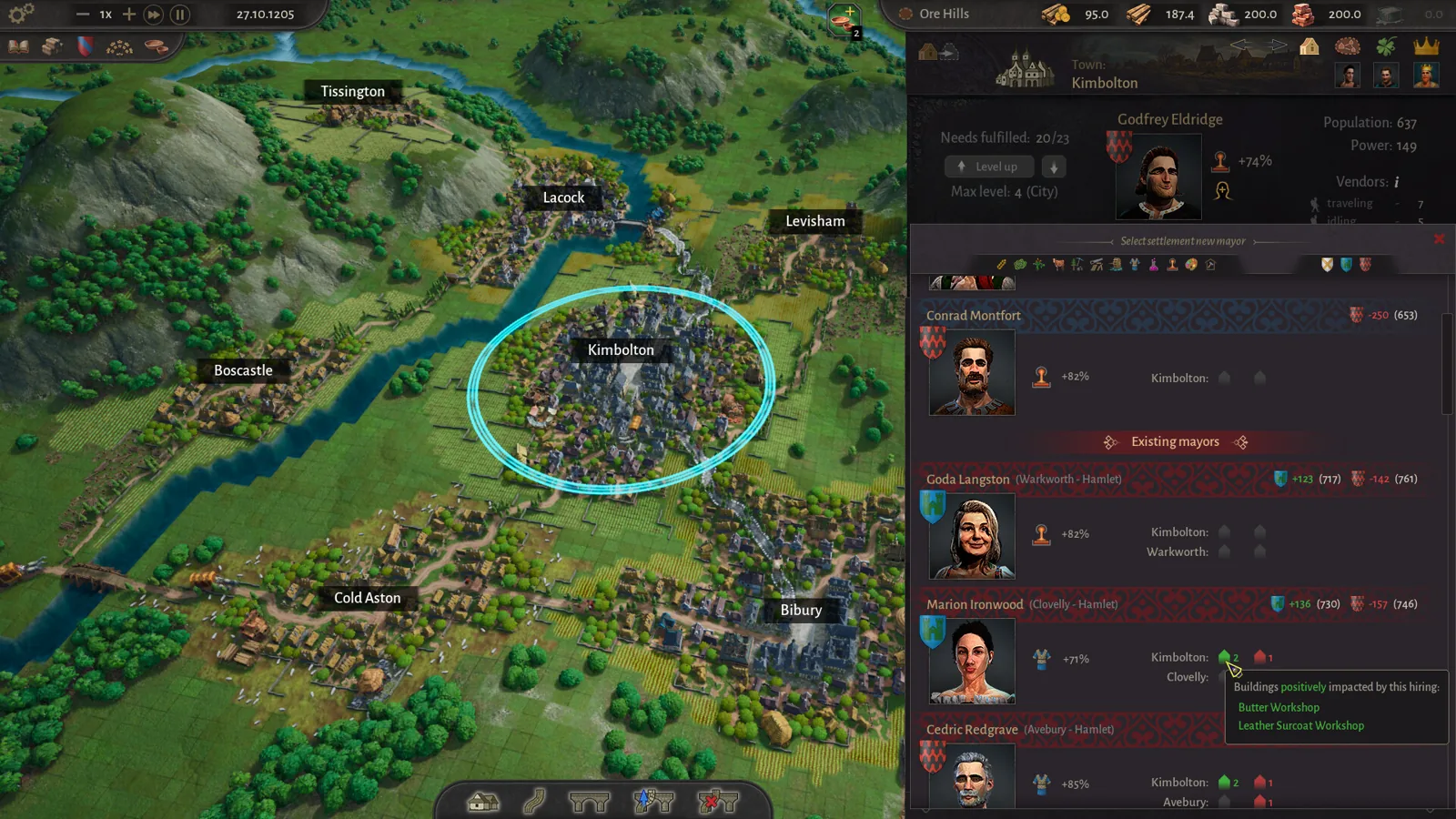
County of Fortune Assembly Votes and Privileges Guide
Learn how the County of Fortune assembly works, from house proposals and steward votes to regional privilege effects, corruption risks and eligibility.
County of Fortune Gameplay & Media
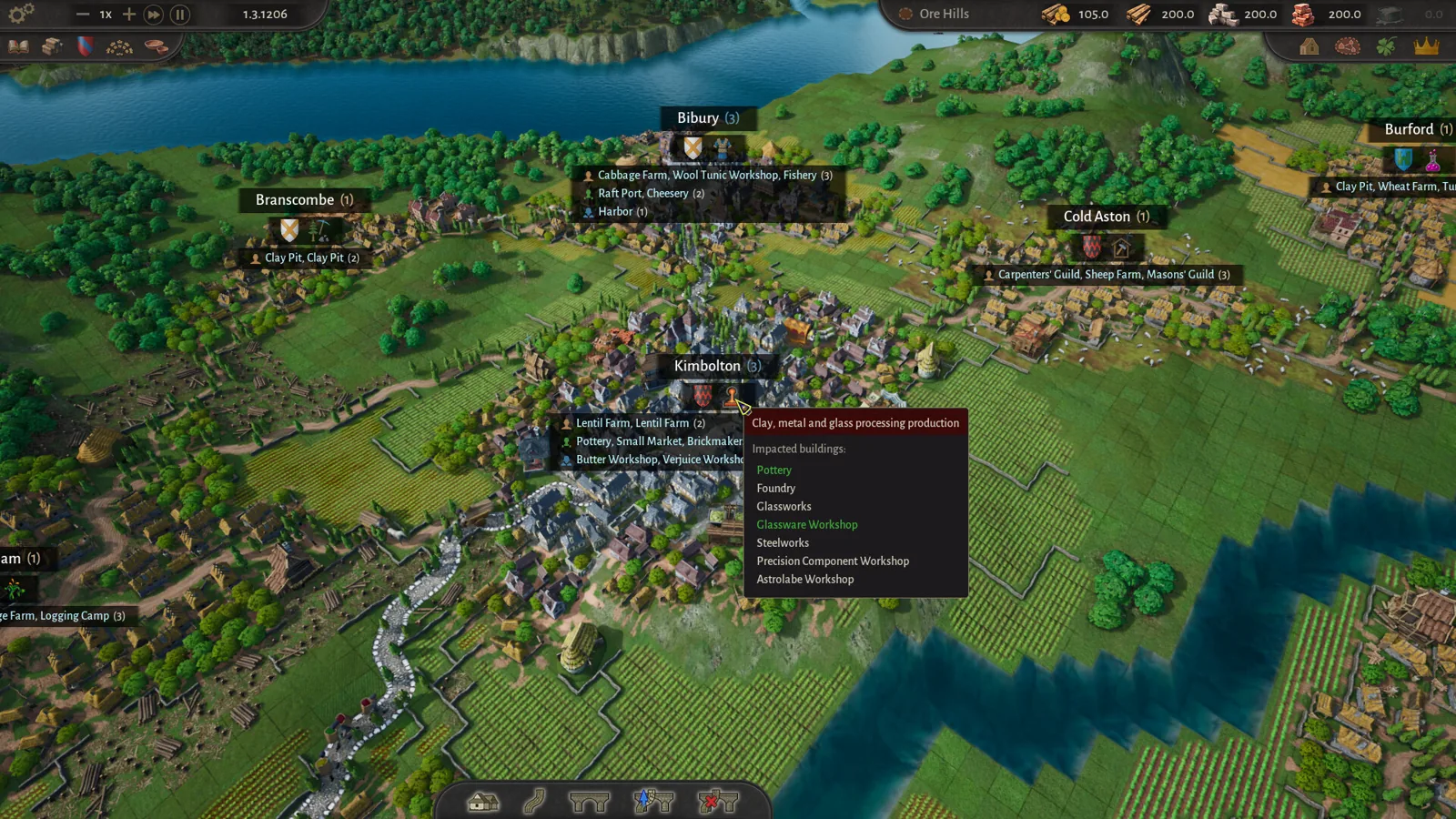
County of Fortune gameplay: County Building Loop Guide
See how County of Fortune gameplay works: found settlements on resources, assign mayors, connect by road, set recipes, level up, and unlock new regions.
County of Fortune Mechanics

County of Fortune Multiplayer: Is Co-op Available?
County of Fortune multiplayer status confirmed: the Steam page lists only single-player, so here is exactly what that means for co-op and shared counties.