
County of Fortune Guide: Beginner Walkthrough for Lokators
Quick answer
The fastest way to learn how to play County of Fortune is to download the free demo on Steam and complete its built-in tutorial, which walks you through founding your first settlement, appointing a mayor, and connecting roads step by step. The full game enters Early Access on November 5, 2026, and demo progress carries over, so every hour you spend learning now is not wasted. This County of Fortune guide covers the opening loop every new lokator needs: placing settlements, picking mayors, building roads, feeding your people, and eventually trading between regions.
| Release status | Early Access begins November 5, 2026; free demo available nowCounty of Fortune on Steam |
|---|---|
| Build a settlement | Press C or select 'Build New Settlement' on the bottom barCounty of Fortune Demo FAQs on Steam |
| Demo carries progress | Demo progress transfers to the full game, no restart neededCounty of Fortune Demo FAQs on Steam |
This County of Fortune guide walks new lokators through founding their first settlement, roads, mayors, and trading, using the free demo and official tips.
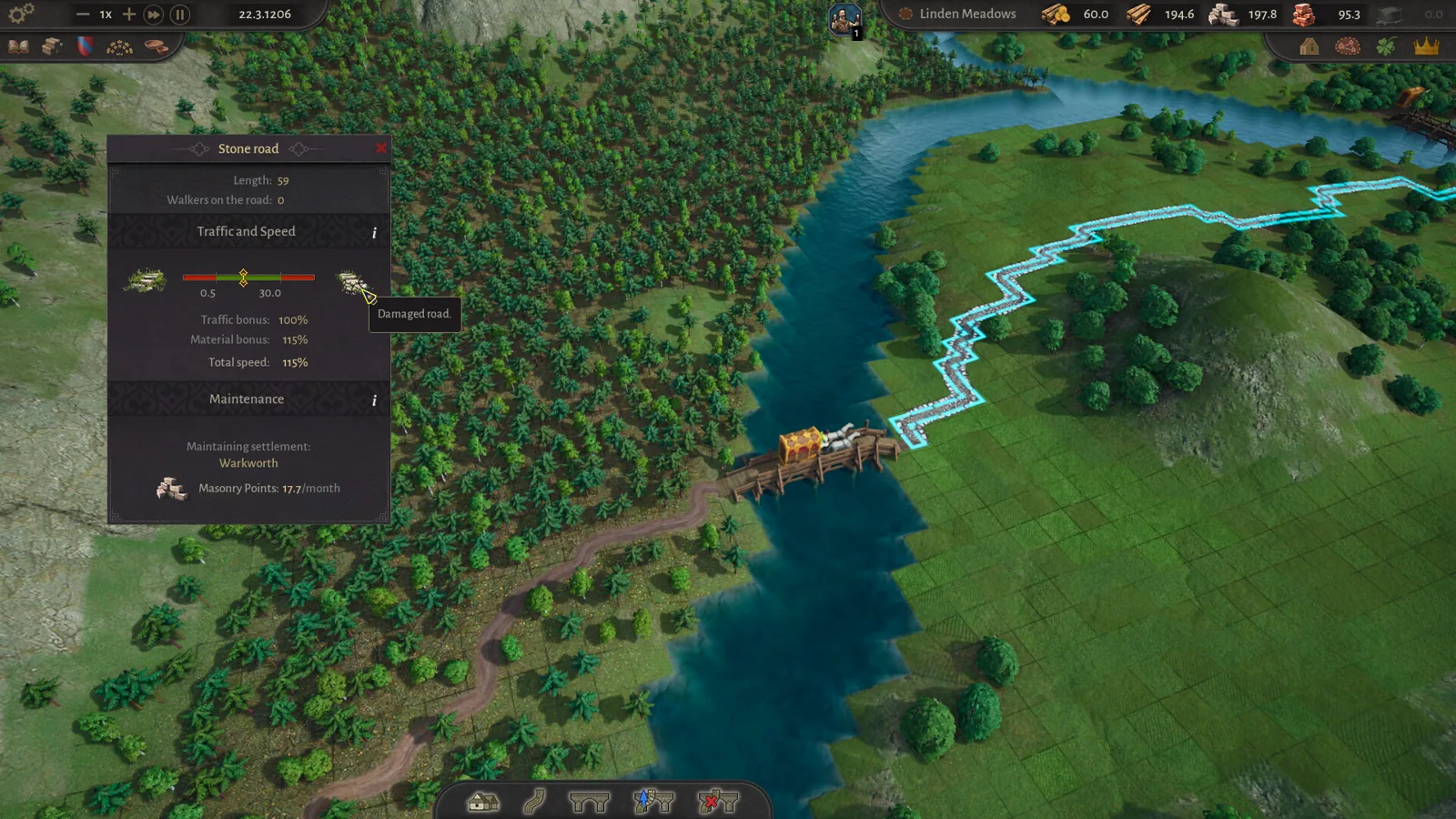
Table of Contents
The fastest way to learn how to play County of Fortune is to download the free demo on Steam and complete its built-in tutorial, which walks you through founding your first settlement, appointing a mayor, and connecting roads step by step. The full game enters Early Access on November 5, 2026, and demo progress carries over, so every hour you spend learning now is not wasted. This County of Fortune guide covers the opening loop every new lokator needs: placing settlements, picking mayors, building roads, feeding your people, and eventually trading between regions.
What County of Fortune actually is
You play a lokator, a medieval colonizer and noble steward, given a blank stretch of kingdom. Unlike most city builders, you are not managing one town: you place whole settlements across a county, each on its own medieval grid, and they grow, specialize, and link into one living region. Three character layers sit on top of the economy: named mayors run each settlement, every mayor belongs to a noble house, and migrating cultures bring bonuses and tensions. Where you build matters as much as what you build, because resource deposits, soil, and rivers decide what each plot supports.
Your first hour, step by step
Start the tutorial and place your first settlement
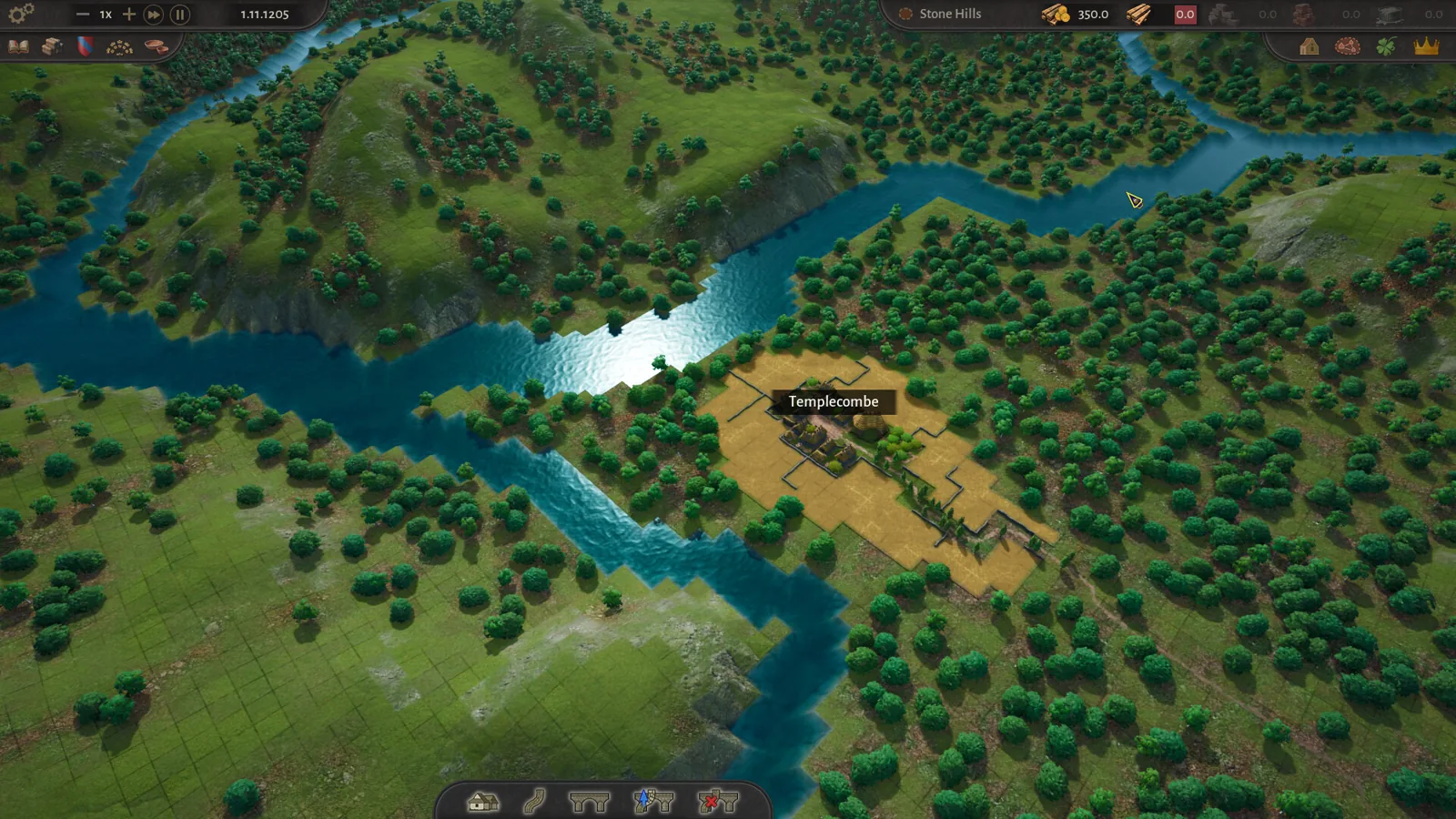
Press C (or select 'Build New Settlement' on the bottom bar). In the tutorial, place your starting settlement in one of the white circles, and put your starting building in the blue area, which marks where that resource — food, forest, stone — is found. Players who have recorded full demo playthroughs suggest placing the first settlement roughly in the center of the map, near wood, near stone, and downstream on the river, since you can only move heavy goods like stone downstream by water. Check the river's flow direction before you commit: click 'Build a settlement' and zoom in on the river.
Appoint a mayor immediately
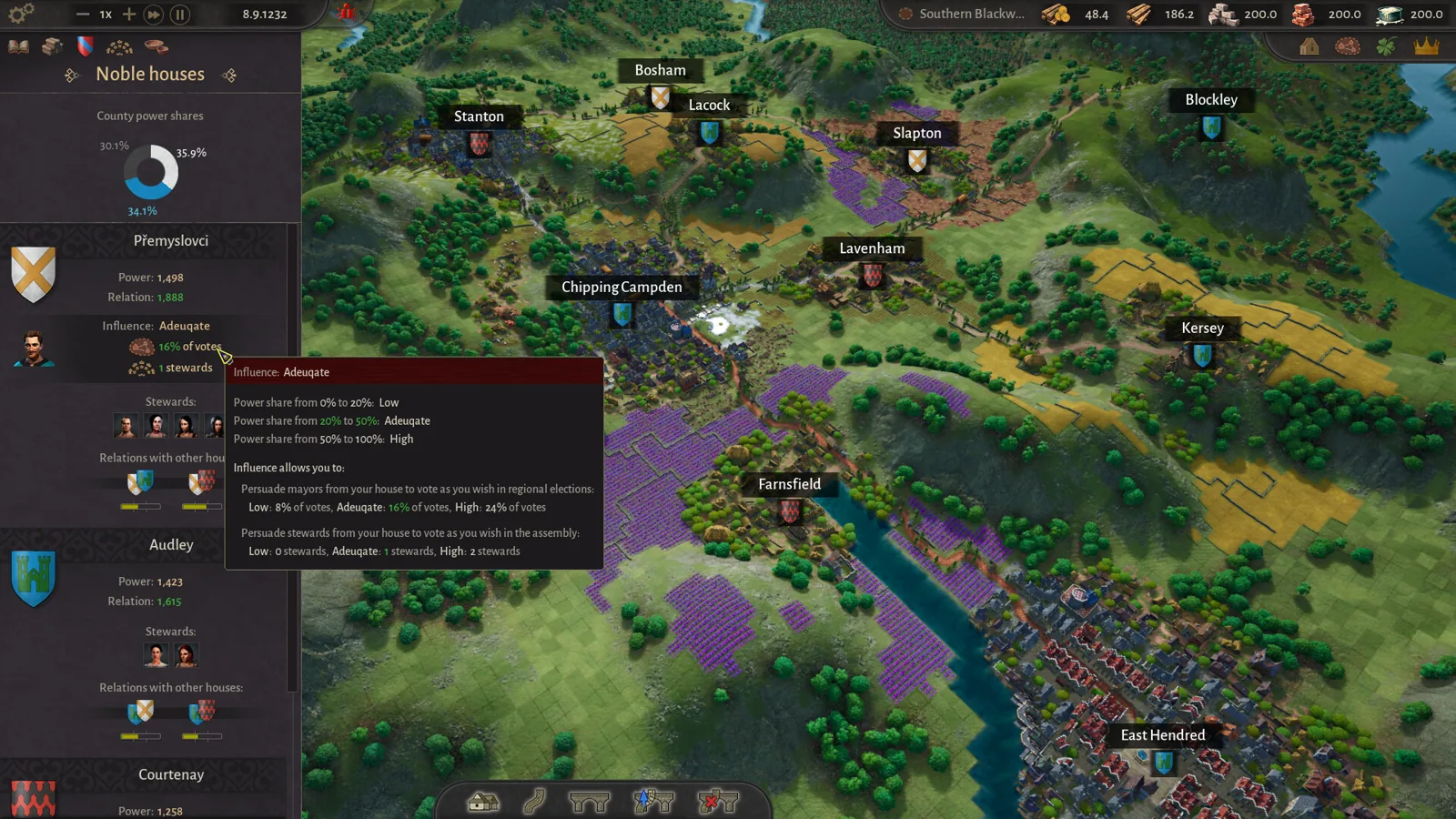
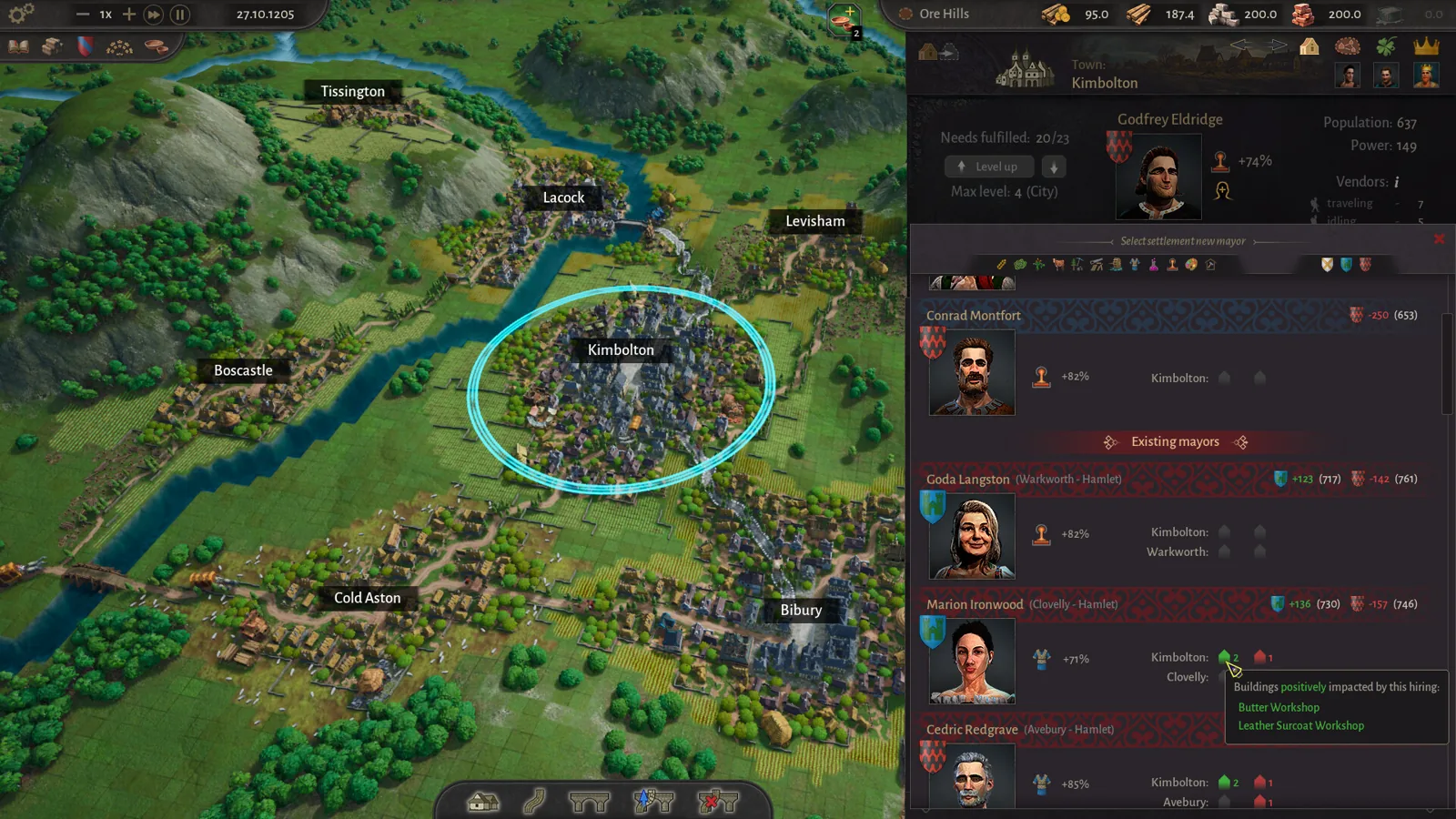
Every settlement needs a mayor before it functions. Open the settlement window, click the empty red portrait, then click the portrait of your chosen candidate. Read the bonus first: a mayor who boosts lentil farm production is worth a lot if your starter building is a lentil farm. Mayor choice also affects your standing with noble houses, so balance house relationships rather than always picking from your own.
Build a logging camp and connect it by road
You start with a small pool of free construction points (10 per year is not enough to sustain a county), so build a logging camp in dense forest and a carpenter's guild to generate carpentry points. Press V to build roads and connect the yellow market squares in the middle of each settlement — roads must start from that center. Red sections cannot be built; over water you need the bridge tool. Use Shift to build diagonally.
Set food consumption to raise efficiency
Buildings run at low efficiency until settlers eat properly. A free meal gives only 15% efficiency; setting a recipe like sour lentils raises it sharply. Open the settlement's building tab, hover over efficiency to see food needs, mayor bonuses, and culture bonuses, then activate recipes that match what you actually produce.
Fulfill equipment needs to unlock building slots
Supplying equipment — wooden chests from a wooden chest workshop, or wool tunics from a wool tunic workshop for the peasant class — unlocks an extra building slot. Buildings show a warning icon when missing an input product, so watch for that and fix the supply chain.
Level up and expand
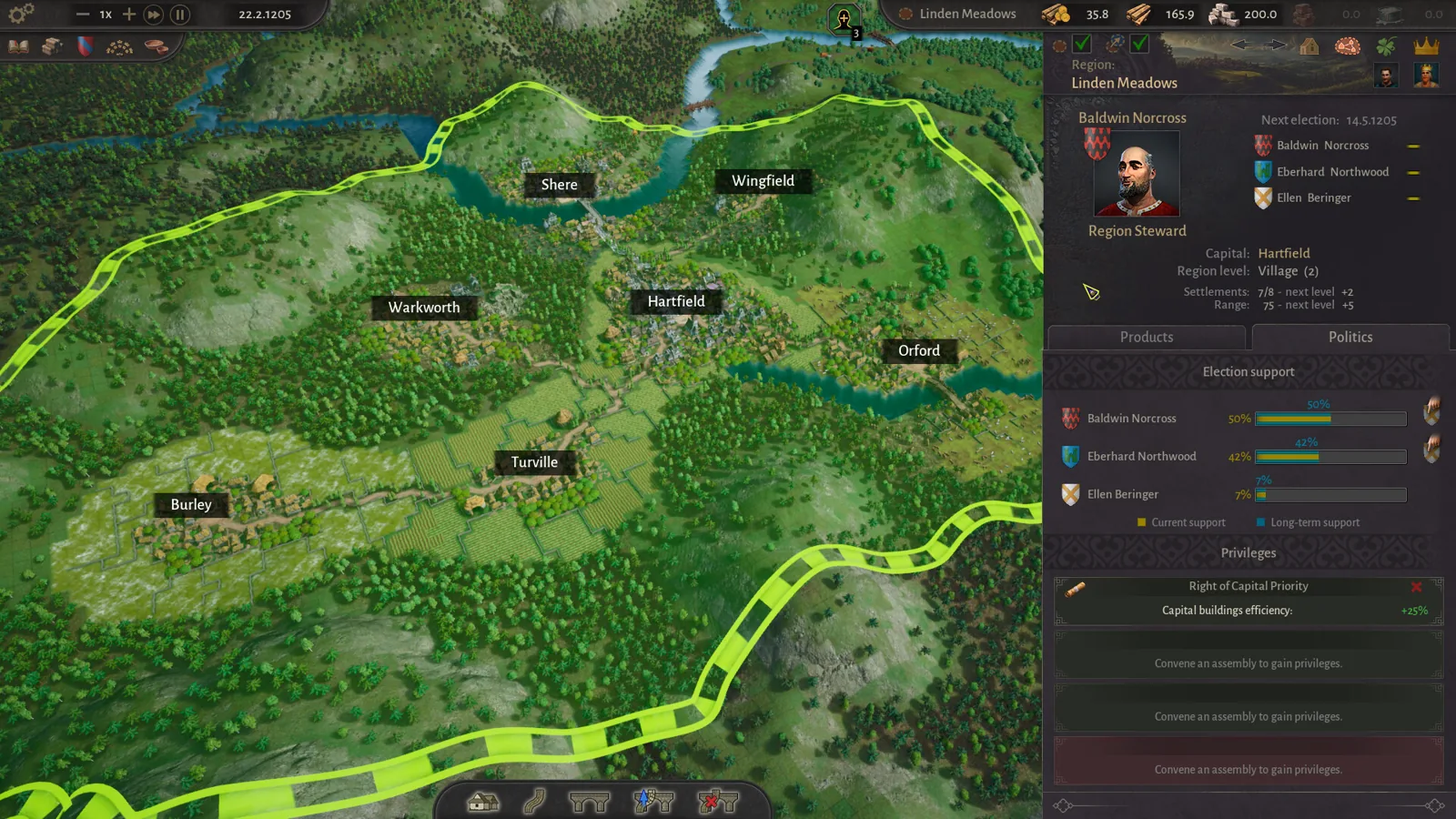
When all food and equipment consumption needs are met, click the 'Level Up' button on the settlement screen, left of the mayor's portrait. The demo caps settlements at level 2 and unlocks the Commoner class; Early Access removes the cap and goes to level 4 with Artisans and Patricians. A second region gives fresh construction points — settle near a clay deposit if you are short, since clay, logs, stone, and sand only move by river.
Early priorities that save you pain
- Claim nearby stone and clay deposits with a settlement early — another settlement placed there later blocks your access.
- Diversify food: three food types fulfill more needs and stop one crop being over-demanded.
- Upgrade dirt roads to stone roads (needs a stone quarry and mason's guild) when you get capacity warnings.
- Don't make one noble house all-powerful by giving it every mayoralty — negative events follow.
- Use the 'T' shortcut to open trade once a settlement reaches level 2 and you build a market or raft port.
What the demo teaches versus Early Access
The demo is one map with settlements up to level 2 and the Commoner social class. Early Access adds over 40 production buildings (including ports with sailboats that move goods upstream), 50 new products, and no level cap. If you played the older Steam Next Fest demo, those saves do not carry into the current demo — but current demo progress does transfer into the purchased game.
Next steps
Once your first region is stable, three follow-ups matter most. Our page on how to trade between regions covers markets, raft ports, and auto-trade, which you need the moment you found a second region. The region leveling guide explains the consumption targets for pushing settlements higher. And if a settlement ends up badly placed, the settlement moving guide explains repositioning it — settlements can now be moved at no cost, as long as they stay in the same region.
FAQ
Where is a good County of Fortune guide for beginners?
Right here, plus the demo's built-in tutorial, which the developer designed as the introduction. The official Demo FAQs post on Steam also answers the most common setup questions, and full playthrough videos on YouTube show the opening loop in practice.
Do I need to buy the game to learn it?
No. The free demo teaches the core loop, and the developer confirmed on the demo FAQ (October 2026) that demo progress carries into the full game when it launches.
Why are my products not reaching my settlements?
Check that a road actually connects the settlement's center market squares — vendors only distribute along connected roads, and deliveries only start once the settlement accepts a food recipe or equipment. It can also simply need time, since there must be enough surplus product to send.
How do I get more building slots in a settlement?
Supply equipment. For the peasant class, either wooden chests or wool tunics fulfills the need and unlocks the next slot; at level 2, more equipment also raises the maximum workers per building.
Checked against the official Steam store page and the developer's Demo FAQs and community hub on 2026-11-02, plus first-hand demo playthrough videos by Flash Trauma and Alaphin. Long-term economy balance and anything beyond the demo's level 2 cap remain unconfirmed until Early Access launches.
Related guides for this game
County of Fortune Guides
County of Fortune Alburn iron mine and Foundry Guide
Build a County of Fortune Alburn iron mine, link roads, appoint a mayor, and ship ore into a level 2 foundry to smelt metal bars for downstream workshops.
County of Fortune Assembly Votes and Privileges Guide
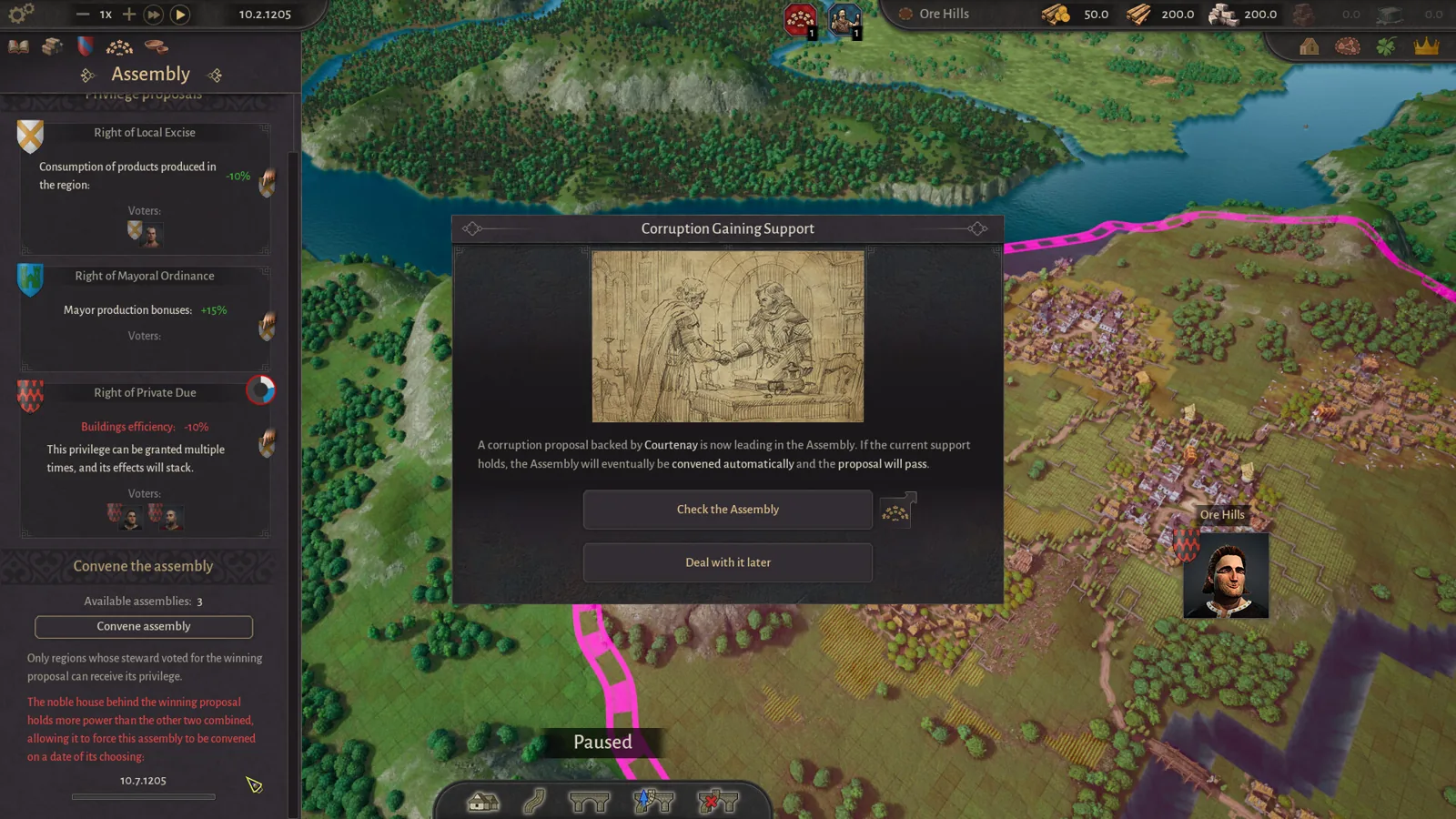
Learn how the County of Fortune assembly works, from house proposals and steward votes to regional privilege effects, corruption risks and eligibility.
County of Fortune Build the Chandlery: Mason’s Guild Guide
County of Fortune build the chandlery explained: raise a mason's guild for masonry points, supply an apiary, and fix the 0% production worker shortage.
County of Fortune chestnut oil mayor and chain guide
County of Fortune chestnut oil mayor picks and the chain: grow chestnuts, press oil in a level 3 town, then serve beef on chestnut oil to your Artisans.
County of Fortune Release Details
County of Fortune FAQ: Quick Answers for New Players
County of Fortune faq in one place: release date, the free demo, demo save carry-over, platforms, multiplayer and settlement basics for brand-new players.
County of Fortune Gameplay & Media
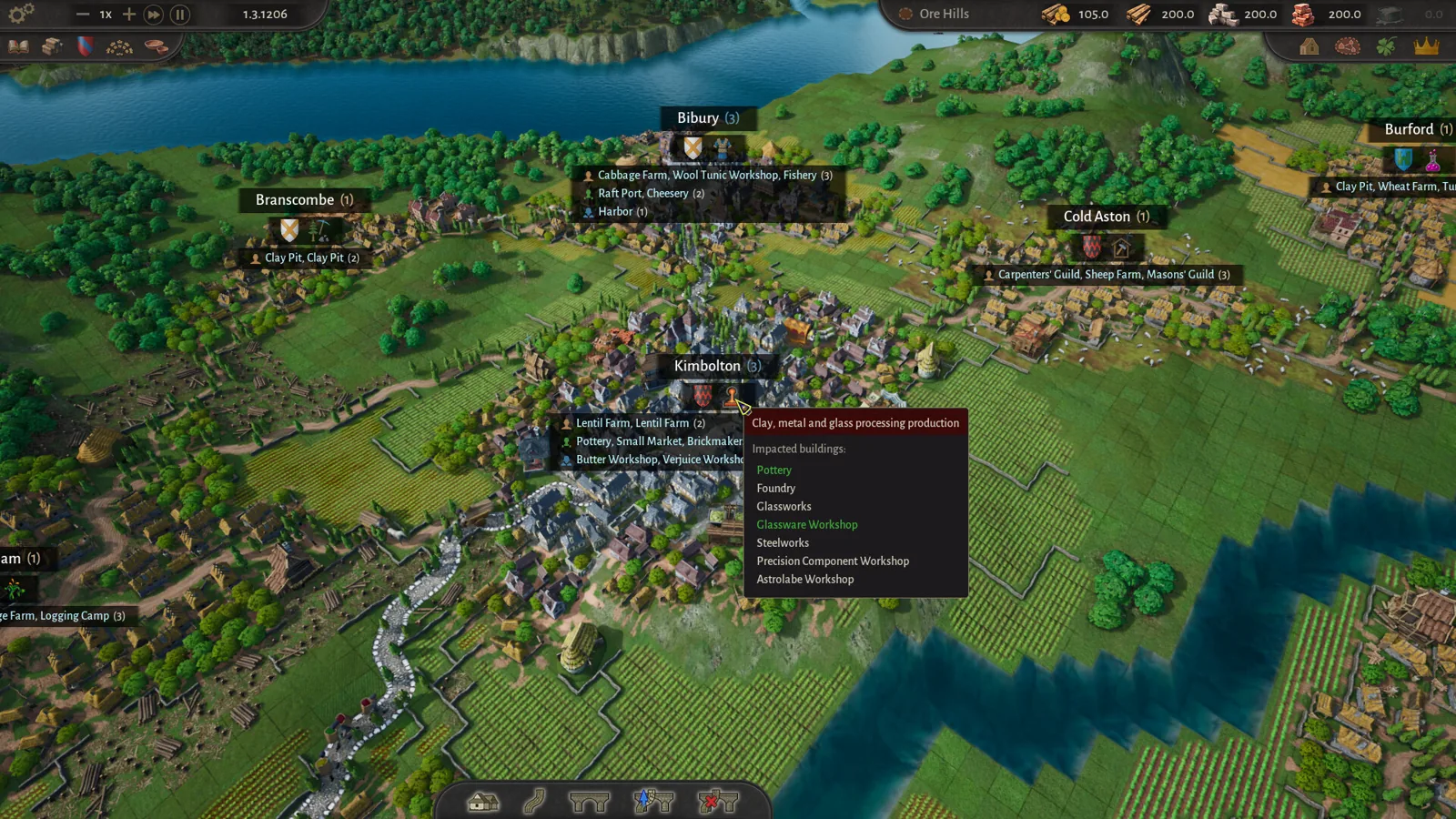
County of Fortune gameplay: County Building Loop Guide
See how County of Fortune gameplay works: found settlements on resources, assign mayors, connect by road, set recipes, level up, and unlock new regions.